Module 10: Group Policy
Push the same config to a thousand machines without touching any of them.
What you'll learn
- GPO architecture, GPC + GPT, AD + SYSVOL
- LSDOU ★, Local · Site · Domain · OU precedence
- Create + link + filter, scoping via security + WMI filters
- Common settings, security baseline, software install, maps
- Troubleshooting, gpresult, RSOP, event log
GPO Architecture: Two Halves of One Object
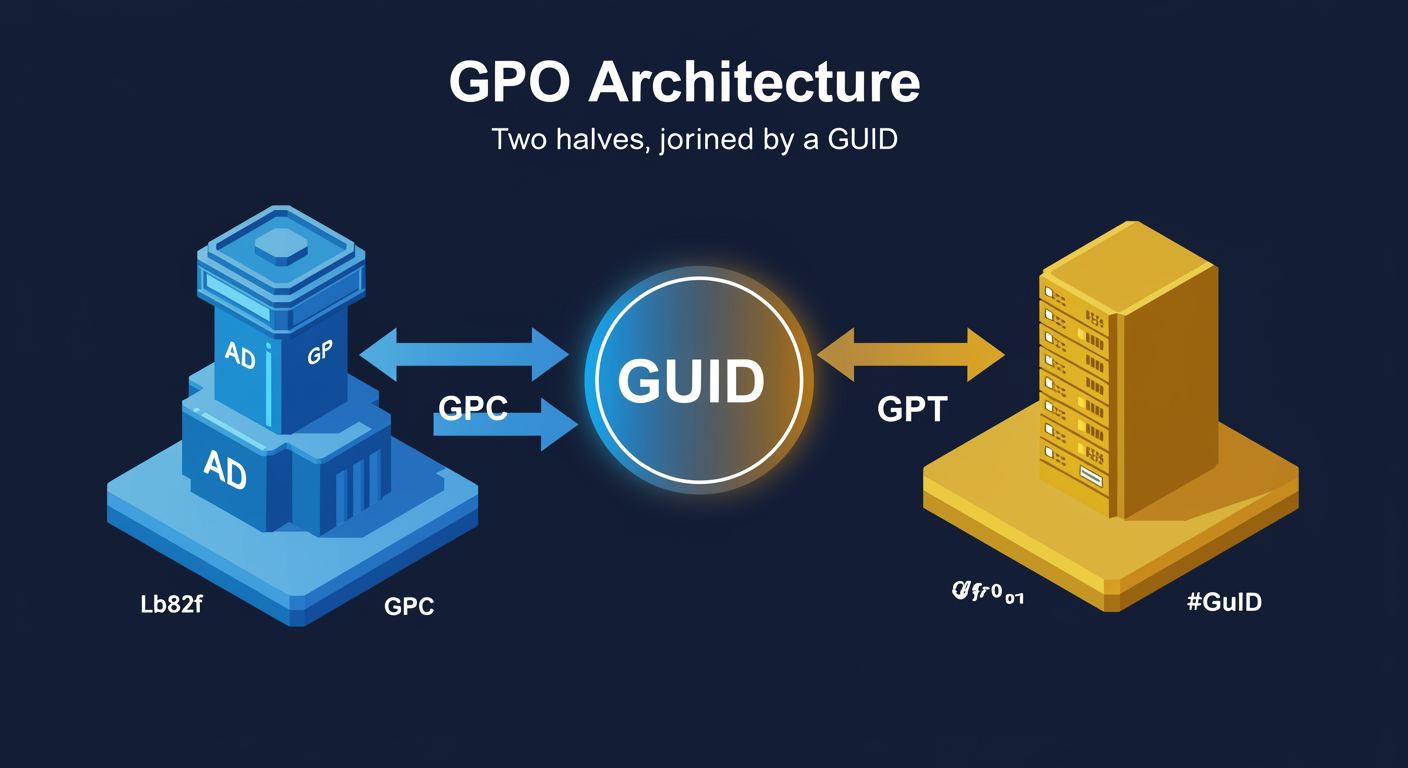
Before you can use Group Policy, you need to understand what a GPO actually is. It is not a single file. A Group Policy Object is a pair of artifacts stored in two different places and joined by a GUID. This split-storage design is what lets Group Policy scale across thousands of machines, and it is also the source of most "why is my policy not working" tickets you will ever see.
GPC, the Group Policy Container. Lives in Active Directory under CN=Policies,CN=System,DC=domain. Holds the metadata: name, GUID, version number, the security descriptors (who can apply it), and the link list (which OUs and sites point at this GPO). Replicates via standard AD replication, fast within a site, slower between sites.
GPT, the Group Policy Template. Lives in SYSVOL at \\domain\SYSVOL\domain\Policies\{GUID}\. Holds the actual settings: Registry.pol files, scripts, INF files, and the ADMX defs that map registry values to friendly setting names. Replicates via DFS-R.
The GUID is the join key. The GPC stores its own GUID in AD; the GPT folder in SYSVOL is named with that same GUID. Both halves must be present and synced for a GPO to do anything.
GPO Processing Order: LSDOU
GPOs almost never exist in isolation. The moment two GPOs touch the same setting, or one is defined at the domain level and another at an OU, you have a conflict. Group Policy resolves these conflicts with a strict precedence order. You have to know it before you can design policy or troubleshoot it.
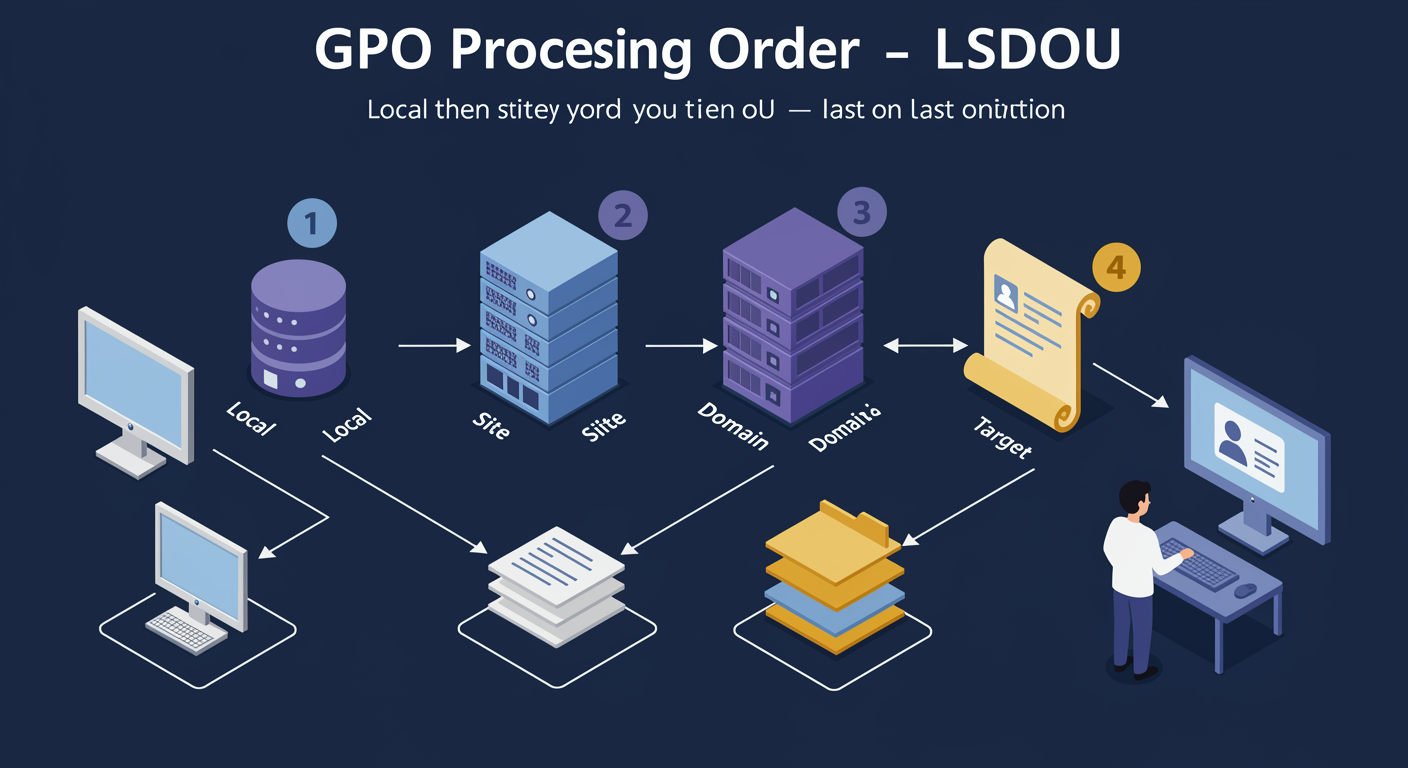
The order is L-S-D-O-U: Local → Site → Domain → Organizational Unit. Each subsequent layer overrides the one before it. Local Group Policy on the machine itself applies first; then AD Site policies; then Domain-level GPOs; then OU-level GPOs from top OU down to the deepest nested OU. Last writer wins. whichever GPO applies LAST sets the final value.
Inheritance means child OUs receive their parent OU's GPOs automatically. Block Inheritance at an OU stops parent GPOs from flowing in (use case: a department wants to control its own policy). Enforce (No Override) at a GPO link forces that GPO to apply even if a downstream OU has Block Inheritance, security teams use this so their baseline cannot be opted out of.
In production you will spend more time troubleshooting precedence than designing it. When someone says "my GPO isn't applying" the answer is almost always "a later GPO overrode it" or "an Enforce setting somewhere is winning."
Computer Configuration vs User Configuration
Every GPO has two configuration sections, and they apply at different times to different things. Knowing which section a setting belongs in is the difference between "my policy works" and "my policy mysteriously fails to apply."
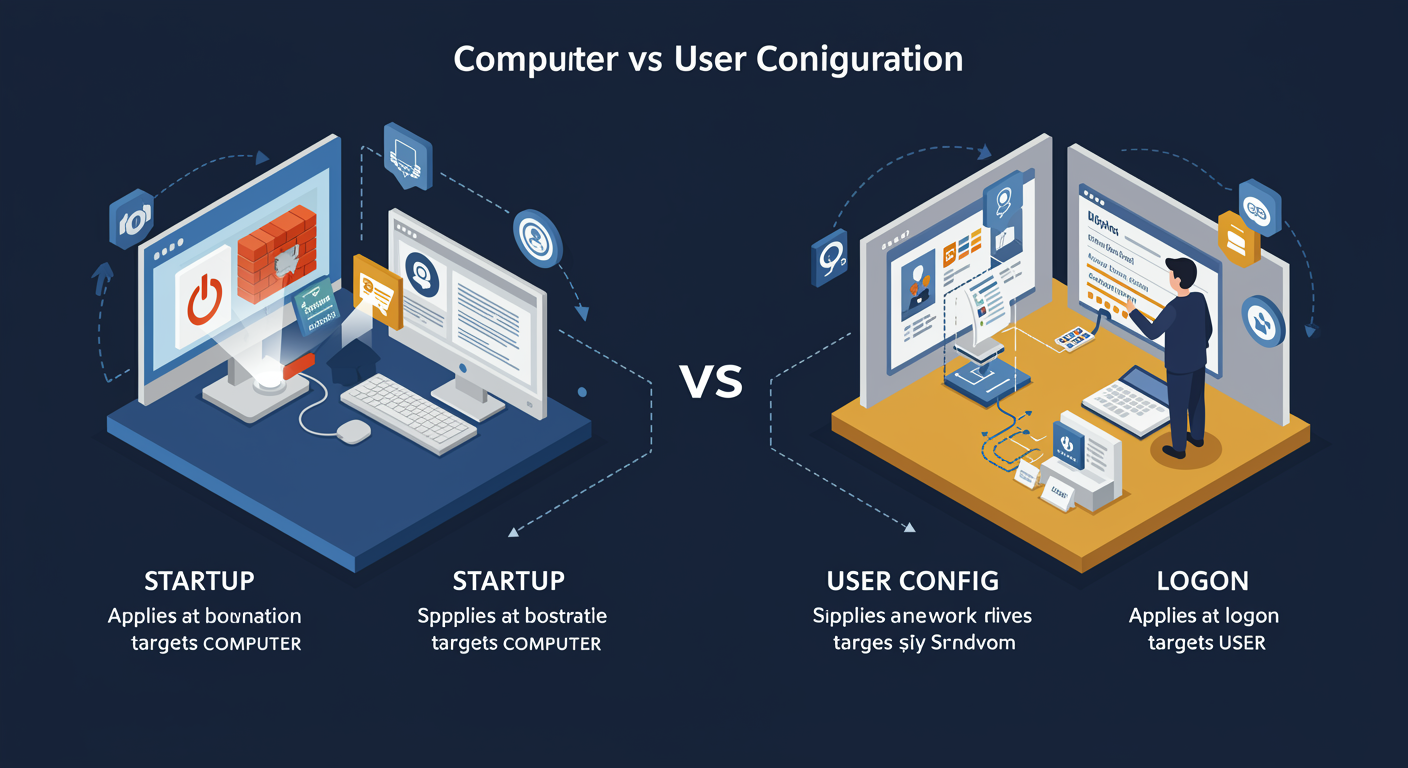
Computer Configuration applies at startup. before any user logs in. It targets the COMPUTER object in AD. Use it for: firewall rules, software installation, certificates, security baseline, scheduled tasks the machine should run regardless of who is logged in. Computer Config evaluates based on the computer's OU, not the user's.
User Configuration applies at logon. It targets the USER object in AD. Use it for: mapped drives, printer connections, Internet Explorer/Edge settings, logon scripts, Start menu layout, anything that follows the person rather than the machine. User Config evaluates based on the user's OU.
Loopback Processing is the override case. It tells the system to apply USER settings based on the COMPUTER's OU instead of the user's OU. Two modes: Replace ignores the user's normal User Config entirely and applies only what the computer's OU defines; Merge applies the user's normal User Config first, then overlays the computer's OU User Config on top. Classic use case: kiosks and shared workstations where any user logging in should get the locked-down experience the kiosk OU mandates.
Creating and Linking GPOs: Object vs Link
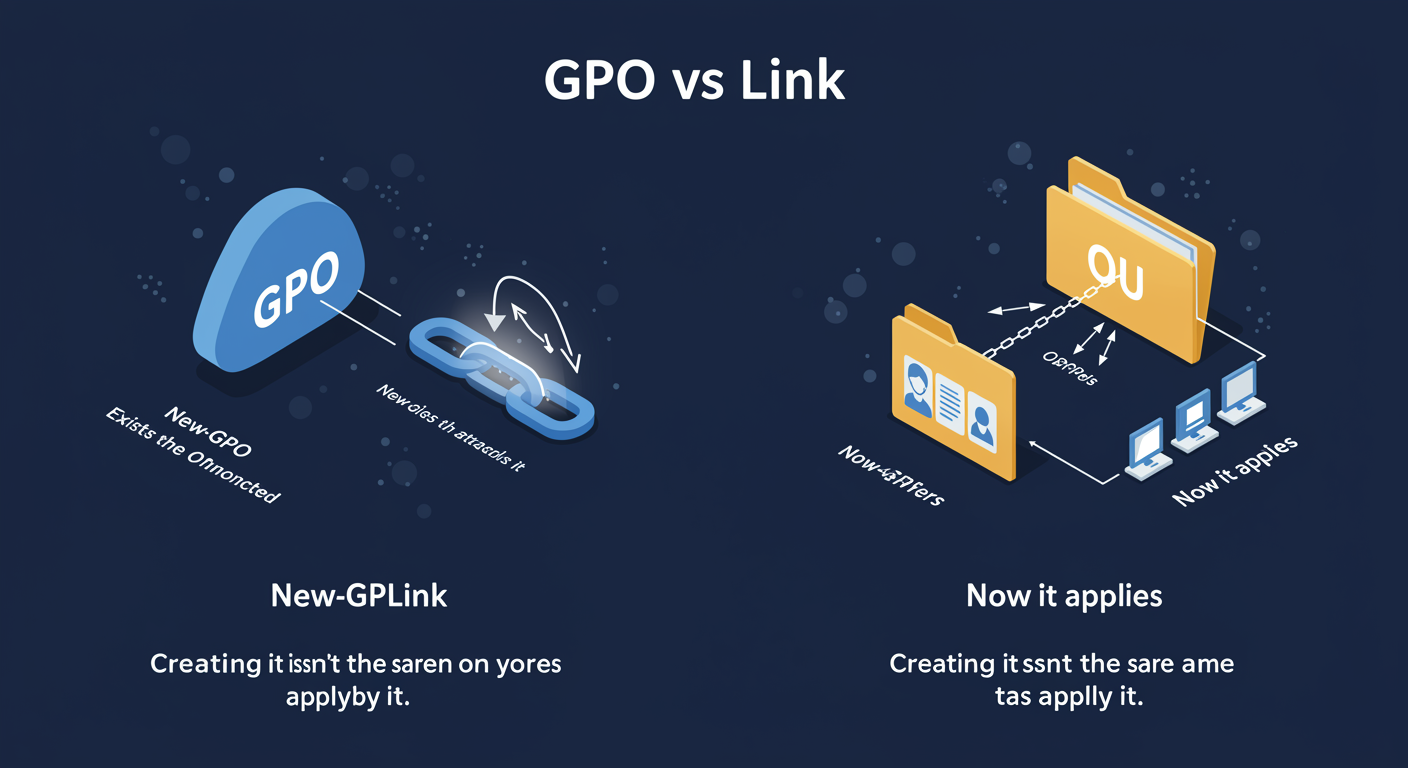
A GPO and the LINK that attaches it to a scope are two separate things. This is the single most counterintuitive part of Group Policy for new admins. Creating a GPO does not make it apply to anything; it is just an object floating in AD. To make it actually do something, you have to LINK it to a Site, Domain, or OU.
New-GPO creates the object. The GPC appears in CN=Policies,CN=System; the GPT folder appears in SYSVOL. At this point the GPO exists but does nothing, nothing in AD is pointing at it.
New-GPLink creates the attachment. It writes a value on the target Site, Domain, or OU pointing at the GPO's GUID. NOW the GPO applies to objects in that scope. You can link the SAME GPO to multiple OUs, that is reuse, not duplication. You can also UNLINK a GPO without deleting it: deleting the link removes the application but leaves the GPO available for future linking.
Common confusion: deleting an OU does not delete the GPOs that were linked there. They become orphaned but still consume storage until you explicitly remove them. Periodic GPO cleanup is part of routine hygiene.
Best Practices: Designing a Maintainable Policy Set
A working GPO is the easy part. A GPO set that some other admin can read, troubleshoot, and modify six months from now is the hard part. Most production AD environments have hundreds of GPOs; without discipline, they become an unmaintainable pile.
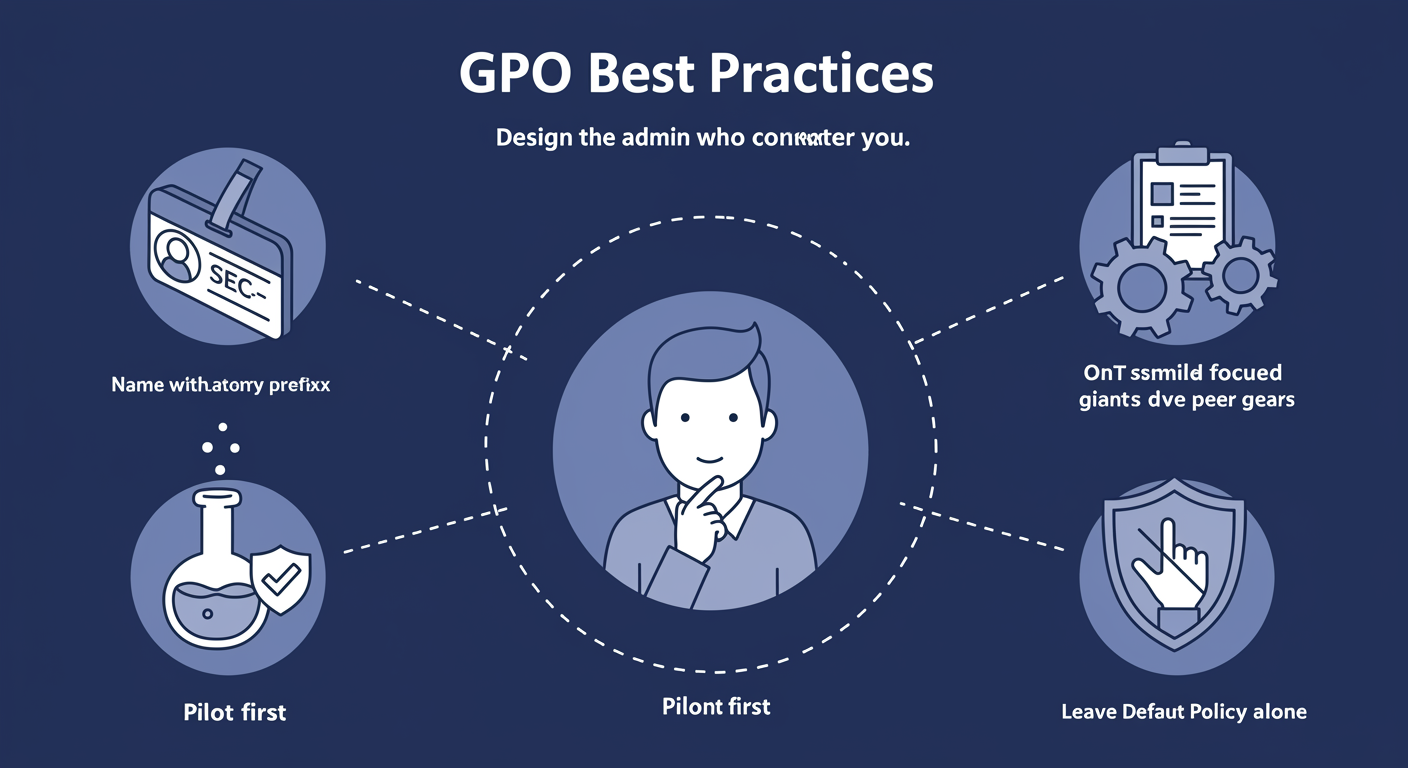
Name GPOs descriptively, with a category prefix. "SEC-Workstation-Firewall" tells you instantly: it is a SECurity GPO, applies to workstations, configures the firewall. "GPO_3" tells you nothing. Common prefix conventions: SEC- (security), CFG- (configuration), MAP- (mapped drives), DEPLOY- (software deployment).
Document the purpose in the GPO's Comment field. What setting does this GPO enforce, why does it exist, who owns it, when was it last reviewed. Future-you will be grateful.
Keep GPOs focused, one purpose per GPO. Do not bundle "Firewall rules + Software install + Drive mappings" into one GPO. When something breaks, you want to disable ONE thing, not the whole bundle. Small focused GPOs are easier to test, easier to roll back, easier to share across OUs.
Test in a pilot OU before production rollout. Create a "Pilot" or "TestLab" OU, link the new GPO there, validate it on a small set of objects, only then promote to the real target OU. Group Policy mistakes scale instantly, a broken security GPO at the domain level can lock out every workstation simultaneously.
Avoid cluttering Default Domain Policy and Default Domain Controllers Policy. These two GPOs ship with the domain and have a special role. Keep them clean. Make your own GPOs and link them where you need.
Security Filtering: Restricting Who a GPO Applies To
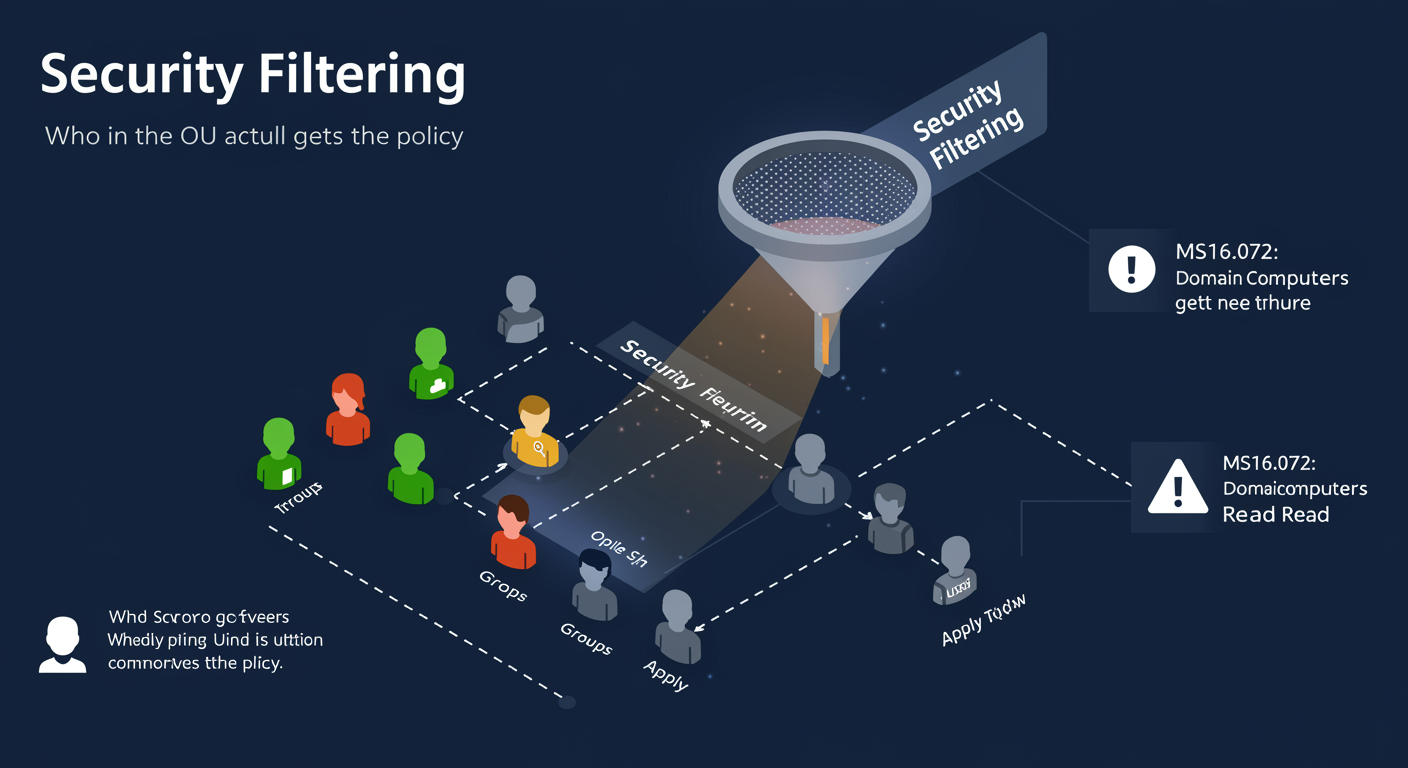
Linking a GPO to an OU is the BROAD scoping mechanism, it applies to every user or computer in that OU. Security Filtering is the SURGICAL scoping mechanism. It restricts which specific users or groups within that OU actually receive the policy.
By default, every GPO has "Authenticated Users" in its Security Filtering tab with Read + Apply Group Policy permissions. That means any authenticated user or computer in the linked OU receives it. To target a SPECIFIC group instead, you remove Authenticated Users and add the group you want, also with Read + Apply.
MS16-072 gotcha (Server 2012 R2 and newer). Microsoft tightened the security model so that even when you remove Authenticated Users from Security Filtering, the COMPUTER account still needs Read permission to evaluate the GPO at boot. If you simply remove Authenticated Users entirely, computers can no longer read the GPO and it silently fails to apply. The fix: add "Domain Computers" with Read-only (no Apply) permission. The policy still only APPLIES to the group you specified, but computers can now read the metadata.
This is the single most common "I configured Security Filtering and now my GPO won't apply" cause in modern AD. Always remember: Read permission for evaluation, Apply permission for the actual target.
Security Filtering in Practice: Permissions Model
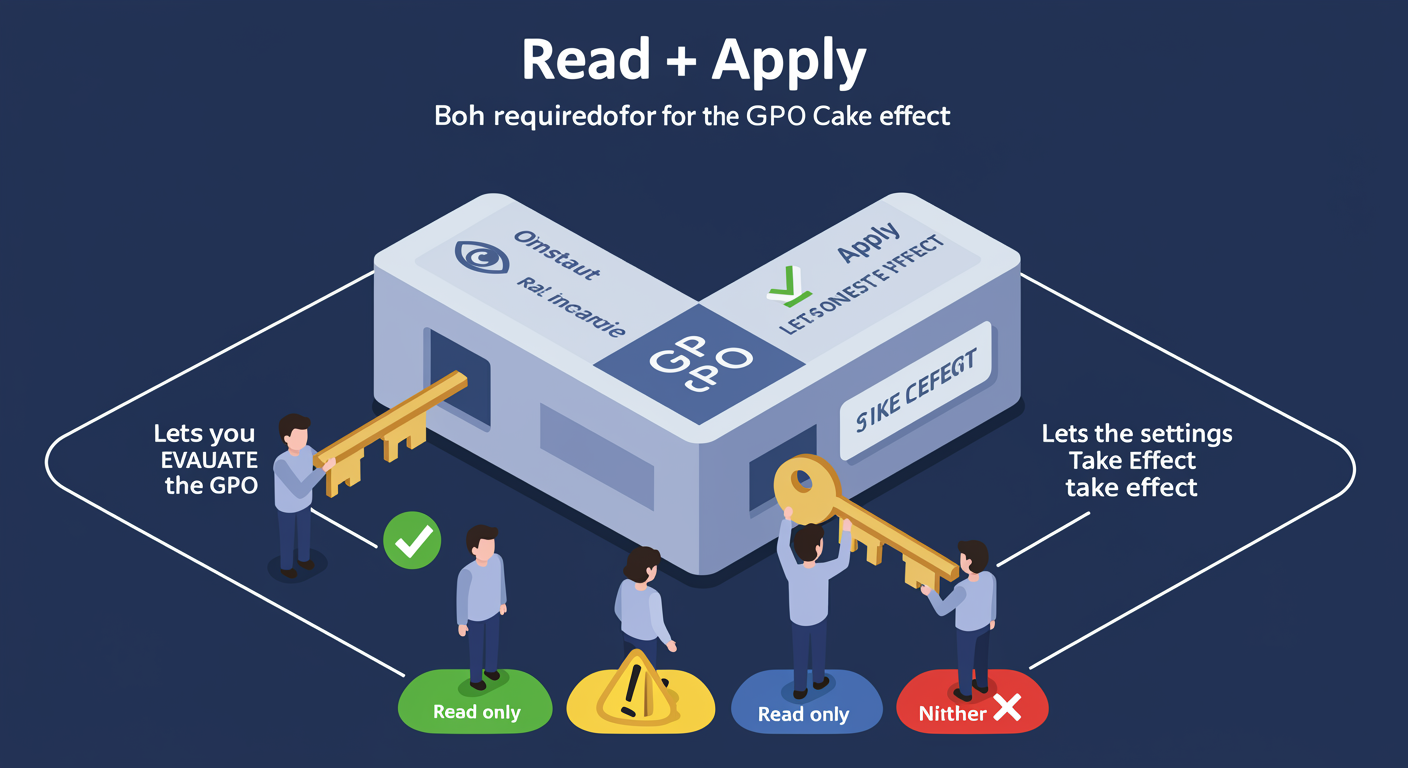
Security Filtering works through two distinct AD permissions on the GPO: Read and Apply Group Policy. Both have to be present for a subject to receive the GPO. Removing either one blocks application.
Read lets the subject EVALUATE the GPO, download the metadata, parse the settings, check whether it applies. Without Read, the GPO is invisible to the subject.
Apply Group Policy lets the subject actually have the settings take effect. A subject with Read but without Apply will see the GPO exists but the settings will not stick.
This two-permission model is why MS16-072 broke so many configurations. Before MS16-072, "Authenticated Users" was assumed to grant both implicitly. After MS16-072, the Computer account needs Read explicitly to even FIND the GPO at boot. The cleanest way to scope a GPO to a specific group:
- Authenticated Users: removed (no Read, no Apply)
- Target Group (e.g. "IT-Administrators"): Read + Apply
- Domain Computers: Read only (lets computers evaluate, no Apply)
For user-targeted GPOs the Domain Computers line still matters, because the GPO has to be read by the computer hosting the logon before user settings can apply.
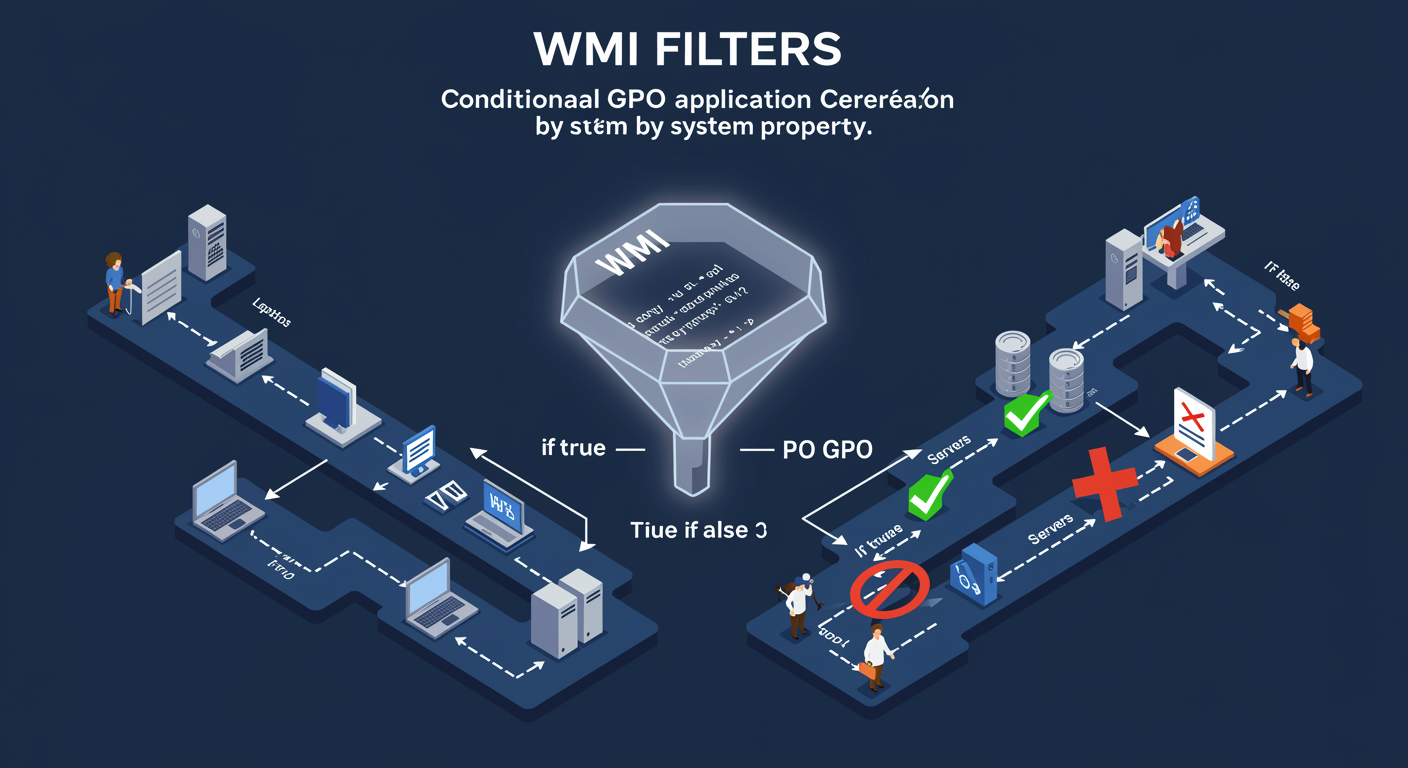
WMI Filters: Conditional Application by System Property
Security Filtering decides WHO gets the GPO (which users/groups). WMI Filters decide WHICH MACHINES qualify, based on the machine's own properties at evaluation time. They are evaluated client-side, on the machine, when Group Policy processes.
A WMI Filter is a WMI Query Language (WQL) statement. If the query returns at least one result on the target machine, the GPO applies. If the query returns nothing, the GPO is skipped. Filters are stored as separate AD objects and can be linked to multiple GPOs, one filter, many GPOs.
Common targeting patterns:
- OS version: apply only to Windows 11 machines, or only to Server 2022, by checking
Win32_OperatingSystem.Version. - Form factor: apply only to laptops (the machine has a battery) using
Win32_Battery, or only to desktops (no battery present). - Hardware specs: apply only to machines with at least 16 GB RAM, or with a specific CPU manufacturer.
- Virtual vs physical: apply only inside VMs by checking
Win32_ComputerSystem.Modelfor "Virtual" or "VMware".
Cost warning. Every WMI filter on every applicable GPO runs at each Group Policy refresh. Complex filters or filters on many GPOs measurably slow logon and policy refresh. Use them when you genuinely need conditional targeting; do not reach for WMI filtering when an OU split or Security Filter would do.
Common Policy Settings: What Lives Where
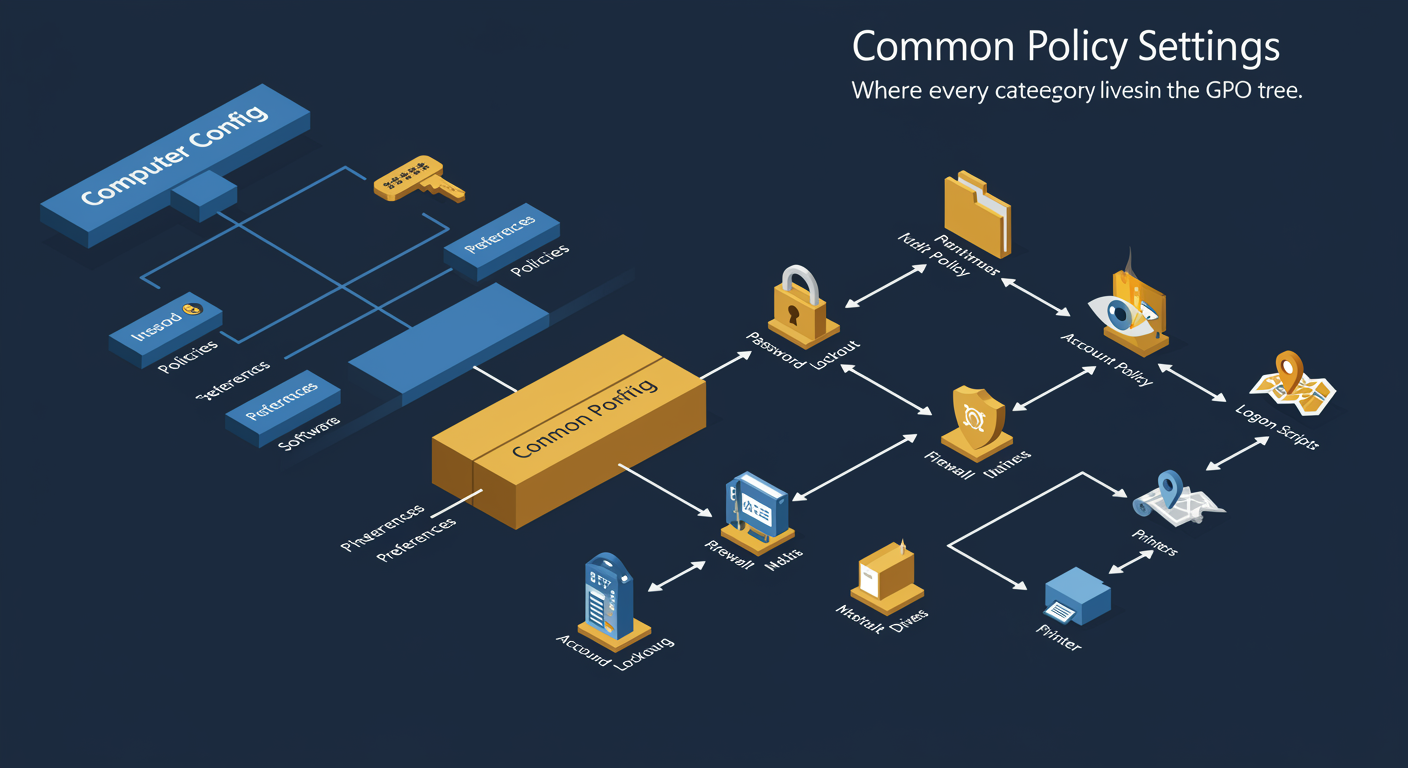
Group Policy has thousands of settings. You don't memorize them. You memorize the SHAPE of the tree, which categories live where, so you can navigate to the right node when you need a specific setting. Open gpedit.msc or the GPMC editor: the structure is identical every time.
Every GPO splits into Computer Configuration and User Configuration. Within each, three top-level branches: Policies (enforced), Preferences (initial, modifiable), Software Settings.
Settings every administrator should know where to find (path under Computer/User Config):
- Password Policy → Policies > Windows Settings > Security > Account Policies. Domain-level only, cannot override at OU.
- Account Lockout → same Account Policies branch. Threshold, duration, observation window.
- Audit Policy → Windows Settings > Security > Local Policies. Which events get logged.
- AppLocker / Software Restriction → Security > Application Control Policies. Allow/deny executables.
- Firewall → Policies > Windows Settings > Security > Windows Defender Firewall. Profiles, rules.
- Logon Scripts → User Config > Policies > Windows Settings > Scripts.
- Mapped Drives → User Config > Preferences > Windows Settings > Drive Maps.
- Printer Connections → User Config > Preferences > Control Panel Settings > Printers.
Memorize the shape and you can walk in cold to any GPO and find what you need in under a minute.
Policies vs Preferences: Enforced vs Initial
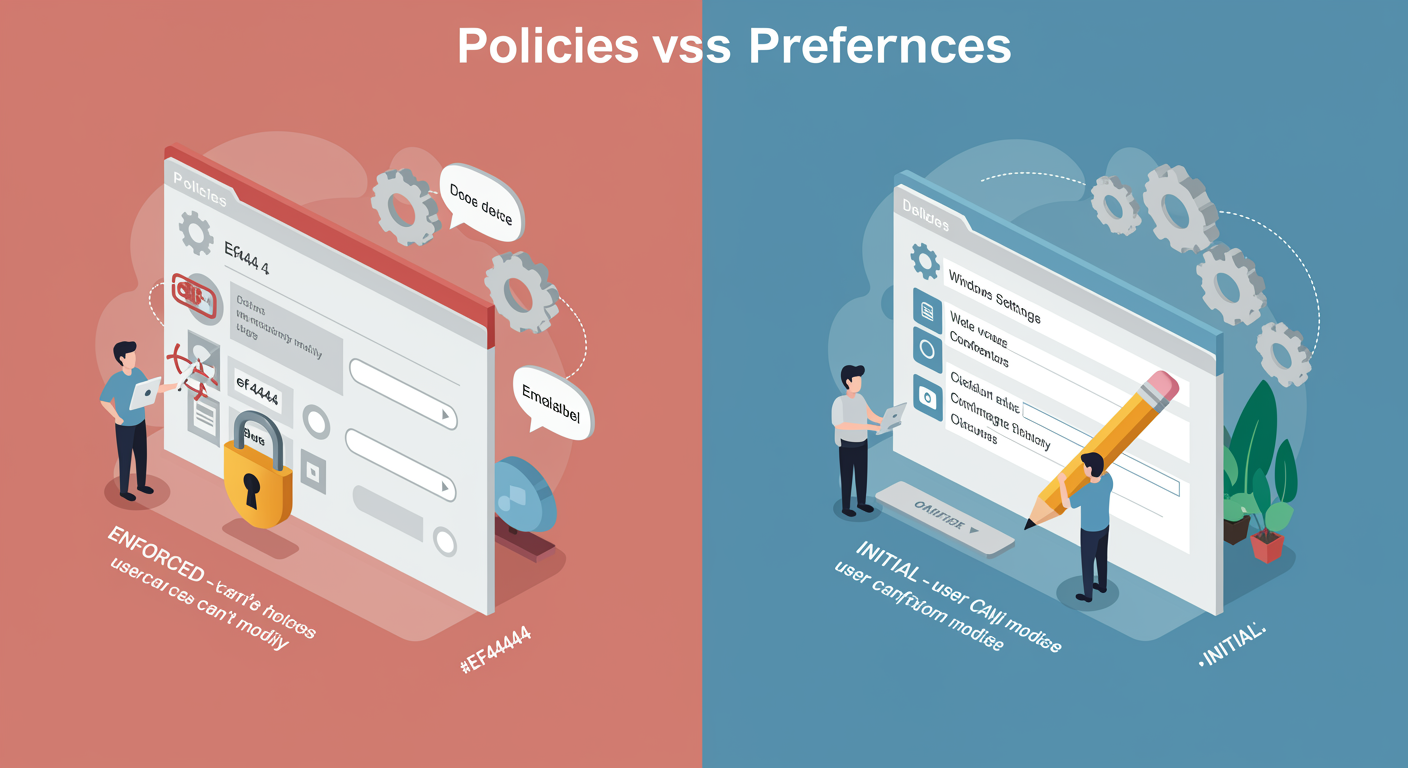
Group Policy has two delivery modes for settings, with very different behaviors. Knowing which is which determines whether a user can change a setting after you push it.
Policies (Enforced). The setting is LOCKED. The user sees the control grayed out in Windows. The registry value lives under the Policies key, which Windows treats as read-only-from-user. If the GPO stops applying (the user moves to a different OU, the GPO is unlinked, etc.), the policy value disappears and the setting reverts to its default. Policies are appropriate when YOU need to enforce the value, security baselines, regulatory requirements, "no, you cannot turn off the firewall."
Preferences (Initial Configuration). The setting is APPLIED but the user can change it. The registry value lives under the normal registry path (not under Policies), so it looks identical to a setting the user configured themselves. If the GPO stops applying, the value STAYS (unless you explicitly checked "Apply once and do not reapply" or used the action mode "Replace" with a removal). Preferences are appropriate when YOU want to provide a sensible default, map a drive on first logon, set a default printer, configure a wallpaper, while allowing the user to customize.
The "Apply once" subtlety. Preferences have an action mode (Create/Update/Replace/Delete) and an "Apply once" toggle. Together they decide what happens when the GPO reapplies. The default is "every refresh," which means even Preferences will reassert the original value if the user changed it, UNLESS Apply Once is checked, in which case the Preference only ever runs the first time. This is where Preferences either feel like "soft defaults" or "annoyingly resetting" depending on configuration.
Rule of thumb: Policies for security, Preferences for ergonomics.
Troubleshooting Group Policy: The Three-Layer Model
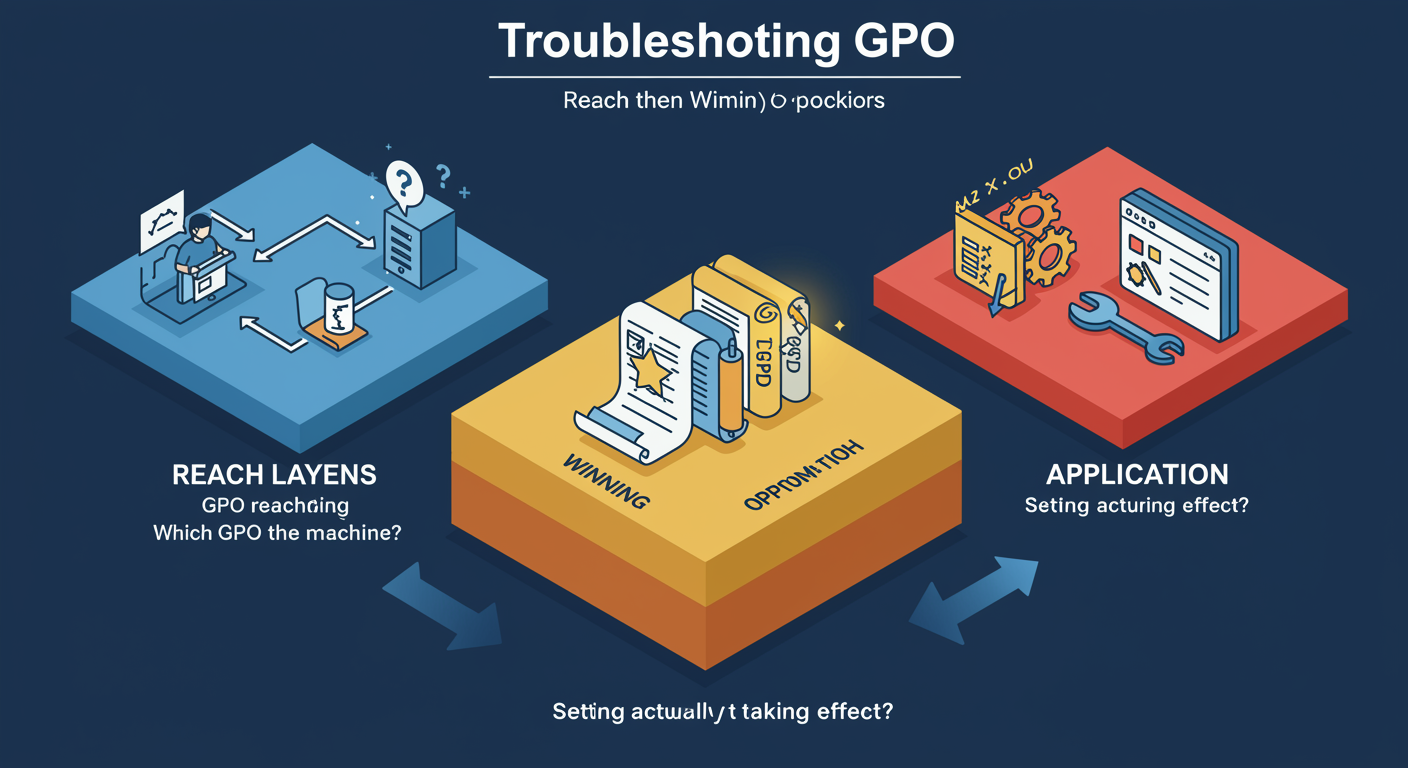
Group Policy problems break into three distinct layers. Diagnosing the right layer first saves hours. Wrong layer first, you chase ghosts.
Layer 1, Reach. Is the GPO even reaching the machine? This layer is about connectivity and replication: does the machine see the DC, can it find SYSVOL, has the GPO replicated to the DC the machine is talking to? Symptoms: GPO exists in GPMC, but gpresult /r on the client does not list it. Tools: gpupdate /force, gpresult /r, check DNS resolution to the DC, check the SYSVOL share is reachable, run dfsrdiag pollad if replication is suspected stale.
Layer 2, Winning policy. The GPO reaches the machine, but a different GPO is winning the conflict. This layer is about LSDOU precedence (slide 3) and Block/Enforce. Symptoms: GPO is listed in gpresult /r, but the setting is not what you expect, another GPO is overriding it. Tools: gpresult /h report.html shows the FULL resolved settings tree with the source GPO for each value, the smoking gun for precedence problems.
Layer 3, Application. The right GPO is winning according to gpresult, but the setting still does not show up on the system. This layer is about the actual policy engine: was there an error during application, did the Client-Side Extension fail, is the registry path correct. Symptoms: gpresult /h shows your setting as applied with the correct source GPO, but the system behavior is still wrong. Tools: Event Viewer → Microsoft → Windows → GroupPolicy → Operational log shows per-CSE errors. Looking at the actual registry value at HKLM\Software\Policies\... tells you what actually landed.
The diagnostic order matters: confirm reach before chasing precedence; confirm precedence before chasing application; never start with application because most "not applying" problems are actually reach or precedence problems wearing application clothing.
Diagnostic Commands: gpupdate and gpresult
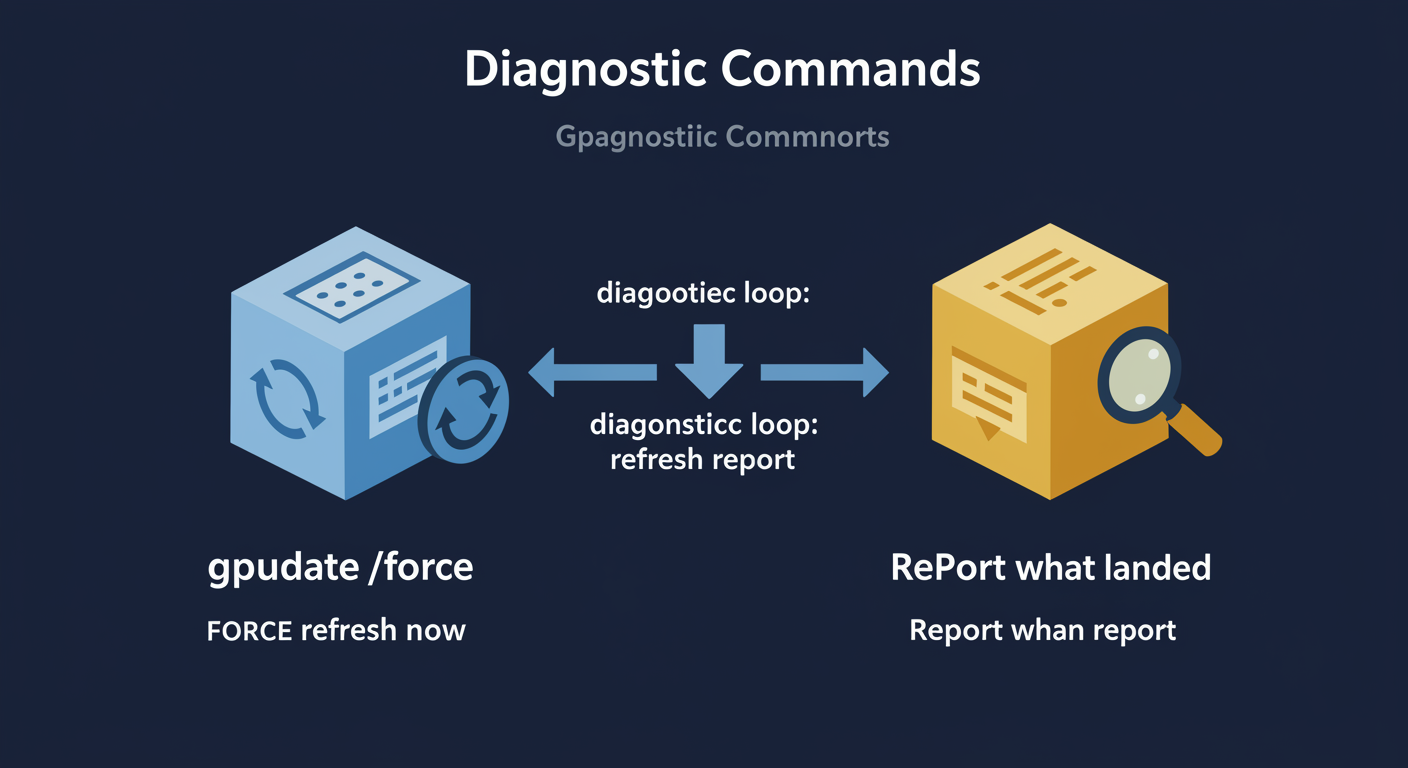
Two commands cover 90% of Group Policy diagnostics: gpupdate forces a refresh, gpresult shows what landed. Master these two and you can diagnose most field problems without leaving the affected machine.
gpupdate /force tells the machine to immediately process Group Policy, both Computer and User configurations, instead of waiting for the next automatic refresh (90±30 min for members, 5 min for DCs). Use it after a GPO change to verify the change actually applies on a target machine, not just in your GPMC view. Useful flags: /target:Computer|User, /logoff (some user settings need next logon), /boot (some computer settings need reboot).
gpresult reports the Resultant Set of Policy, what applied, and what was filtered out and why. The output modes:
gpresult /r: text summary on console. Quick "did the GPO apply" check.gpresult /h report.html: the full HTML report. Gold standard. Shows EVERY applied setting with source GPO, plus the filtered-out GPOs with reason (Denied, WMI mismatch, etc.). First place to look for precedence issues.gpresult /v: verbose console output, same info as /h as text.gpresult /scope:Computer|User: limit to one configuration.gpresult /user USERNAME: report another user's settings (requires admin).
Bookmark these two. You'll type them more than any other Group Policy command.
RSoP and Reporting: Planning-Mode and What-If
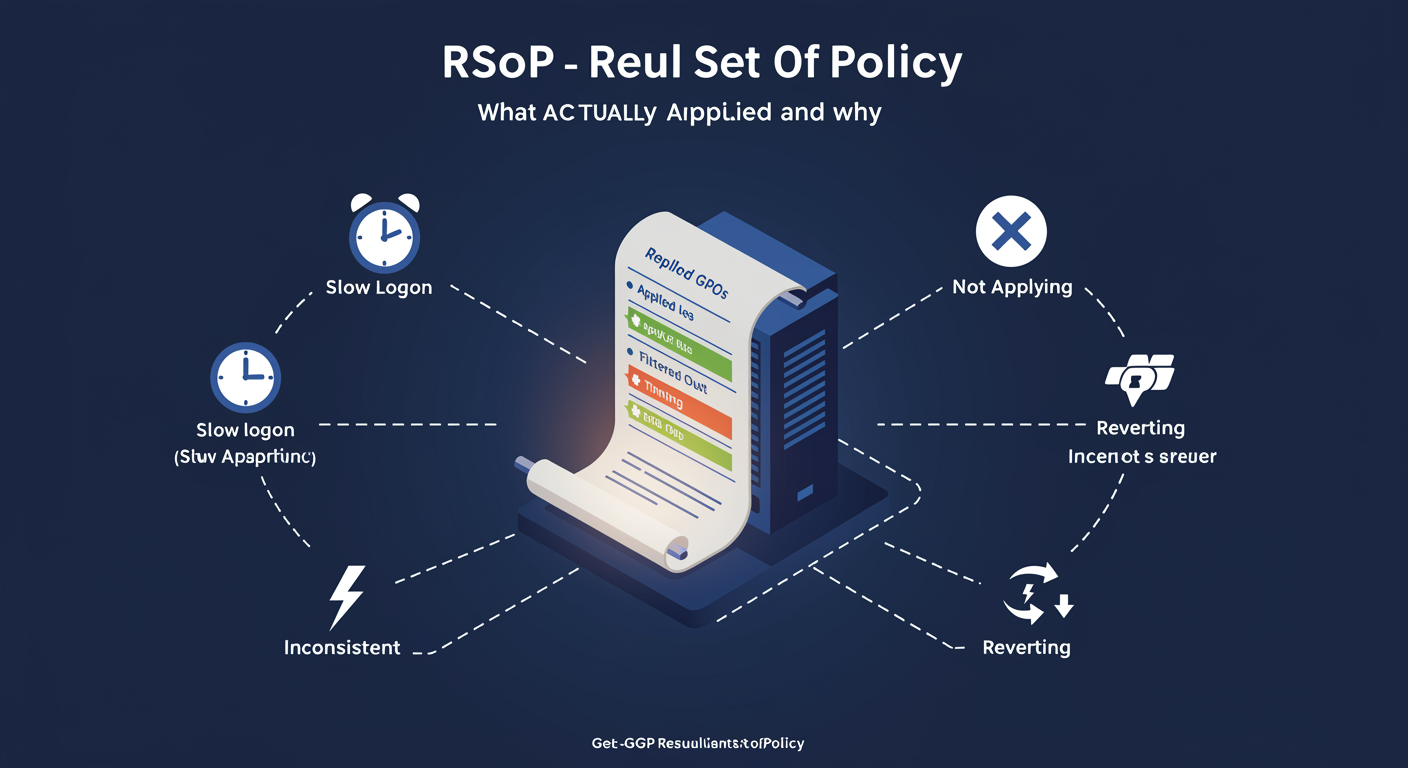
RSoP, Resultant Set of Policy, is the calculated answer to "what does this user/computer combination ACTUALLY get from Group Policy after all the precedence and filtering is resolved?" The runtime version of RSoP is what gpresult shows. The PowerShell version, Get-GPResultantSetOfPolicy, gives you the same answer programmatically and adds a planning mode that asks "what WOULD they get" without the user being there.
Logging mode (default) reports the actual resultant policy for a real user/computer combination that has already evaluated. This is what gpresult does. Useful for after-the-fact diagnosis.
Planning mode simulates GPO application for an arbitrary user/computer/OU combination, without that user actually being there. Answers "if I link this GPO to the Finance OU, what will Finance users see?" before you flip the switch. Considers Security Filtering, WMI Filters, precedence, Block/Enforce.
Get-GPOReport dumps a single GPO's settings as HTML or XML, not the resultant set, just what's IN that one GPO. Useful for audit, documentation, GPO diff, change management.
Common operational issues RSoP surfaces:
- Slow logon. too many GPOs, expensive WMI filters, large software-install GPOs. RSoP timing data identifies the slow GPO.
- Not applying. Security Filter exclusion, WMI mismatch, or Block Inheritance upstream. RSoP shows it in the "filtered out" section with the reason.
- Inconsistent. some machines get it, others don't. Usually SYSVOL replication lag or Security Filter inconsistency.
- Reverting. Preference reapplying with action mode "Replace" every refresh, overwriting user changes.
GPO Backup: Before You Change Anything
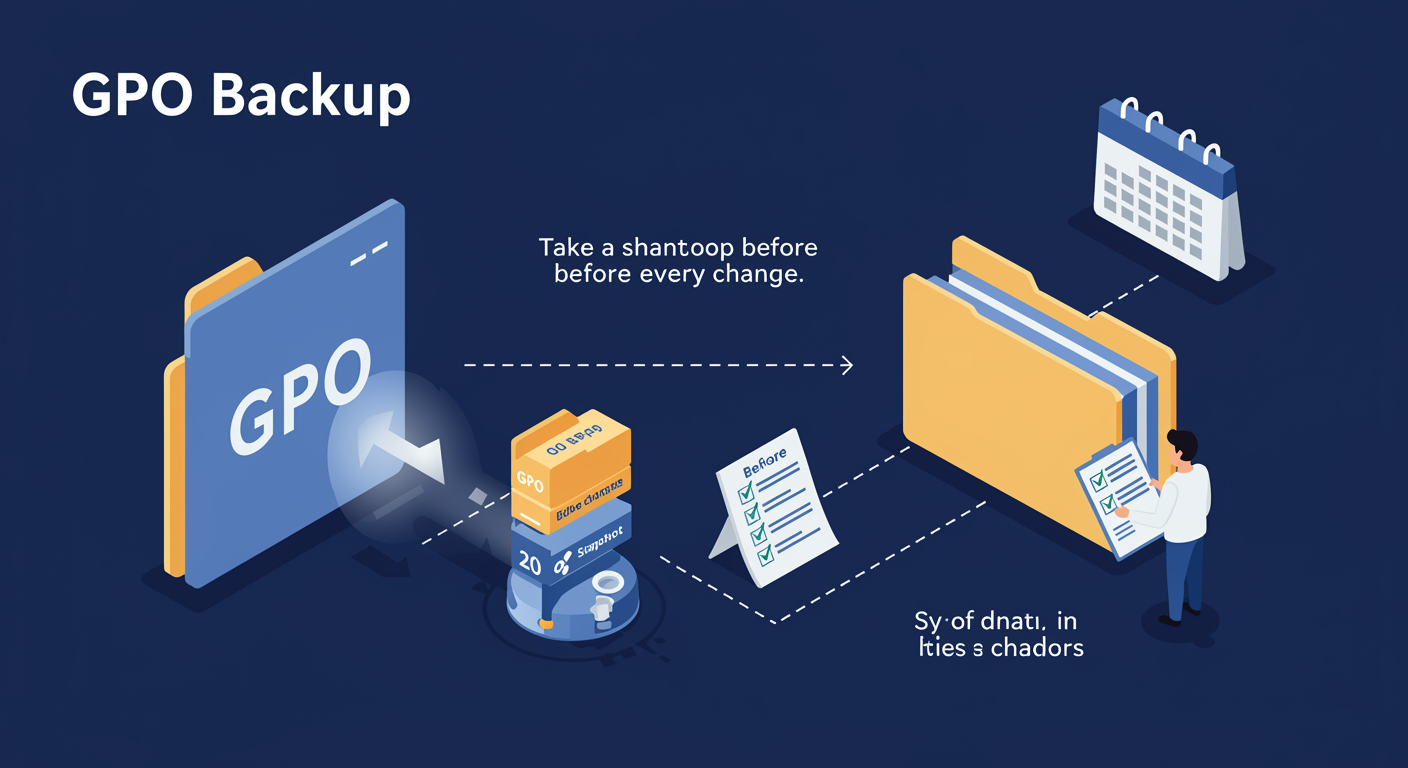
Group Policy mistakes scale instantly. A wrong setting in a security GPO at the domain level can lock out every workstation simultaneously. Backups are your only escape hatch. Take them before every meaningful change, and as part of a scheduled DR routine.
Backup-GPO writes a serialized copy of a GPO (both GPC and GPT) to a folder. The backup includes the settings, the ACL, the WMI filter link, and the comment field. The original BackupID GUID identifies the snapshot, you can browse for it later by ID, by name, or by browsing the folder.
What a backup includes:
- All policy settings, both Computer and User Configuration
- The GPO's name, description, comment
- Security descriptor (who has Read, who has Apply)
- The link to a WMI filter (the link only, the WMI filter itself is a separate object that needs its own backup)
What a backup does NOT include:
- The OU/Site/Domain LINKS pointing at this GPO, backups are GPO-scoped, not deployment-scoped. After Restore-GPO you may need to re-link.
- The WMI filter object itself (only the link)
- Group memberships, even when the GPO references specific groups
Operational practice. Back up the WHOLE GPO set on a schedule (nightly or weekly) so you have a snapshot of "the entire policy state of the domain at time T." Back up INDIVIDUAL GPOs immediately before a change with a change-management comment, so you have the pre-change baseline tagged with what you were about to do.
Restore and Import: Recovery and Cross-Domain Copy
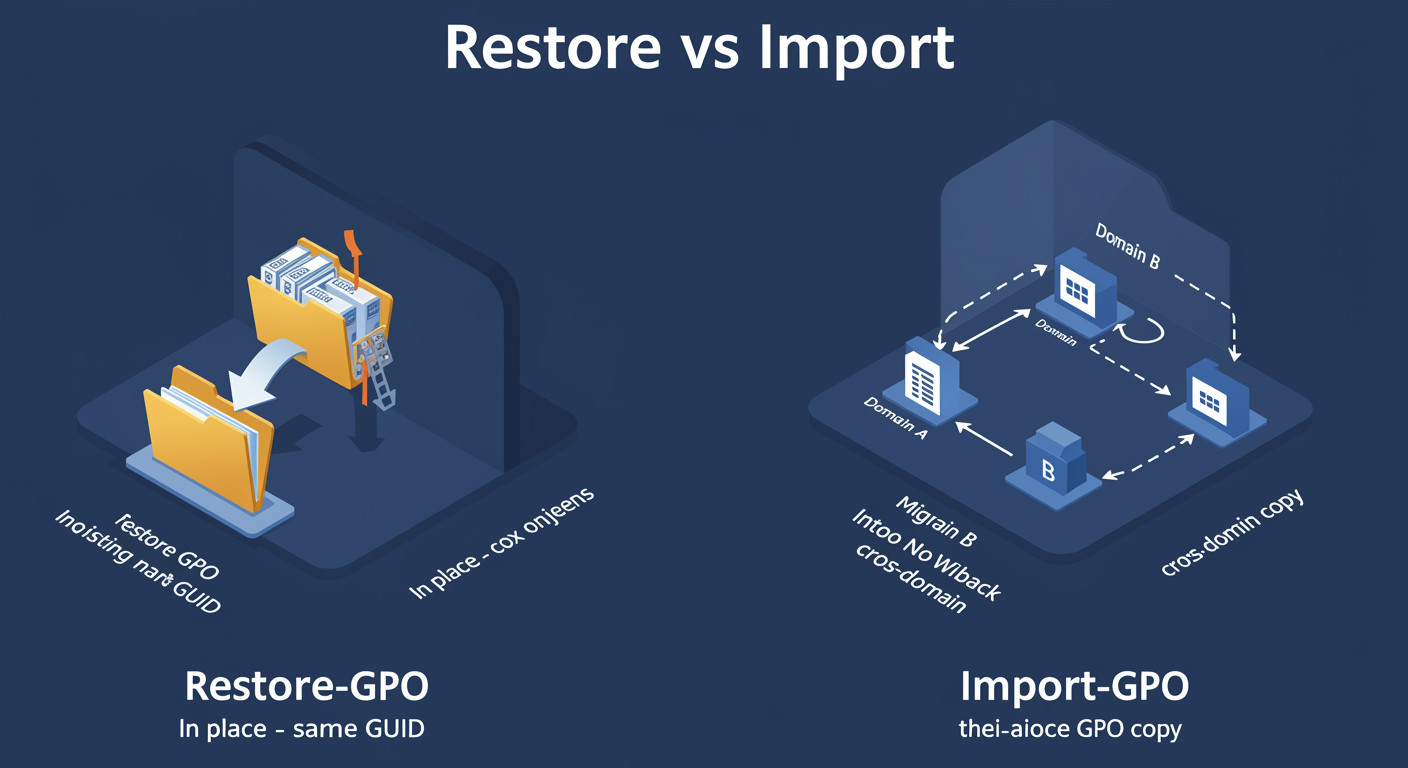
Backup gets you a snapshot. Restoration gets you back to that snapshot, either in place (overwriting the live GPO with the backed-up version) or into a NEW GPO (the cross-domain copy pattern). The PowerShell verbs are Restore and Import, and they behave very differently.
Restore-GPO writes backed-up settings INTO the existing GPO with the same name (matching GUID). Overwrites live state. Use for: reverting a bad change, rebuilding a corrupted GPO, scheduled "drift detection" against a known-good baseline. Preserves GUID, so existing LINKS continue working without re-linking.
Import-GPO writes backed-up settings into a DIFFERENT (potentially NEW) GPO with a new name and new GUID. The cross-domain copy pattern: backup in Domain A, copy folder, Import into Domain B as a new GPO. Use for: promoting test-domain GPOs to production, cloning a GPO as starting point, distributing a vendor template (e.g. Microsoft Security Baseline).
Import never overwrites, if the target GPO exists, you delete first or use -MigrationTable.
Migration tables (.migtable) map source references (security principals, UNC paths) to destination equivalents. Without one, a reference to "DOMAIN-A\IT-Admins" stays that string after import into Domain B and fails to resolve.
Lab Preview: What You Will Practice
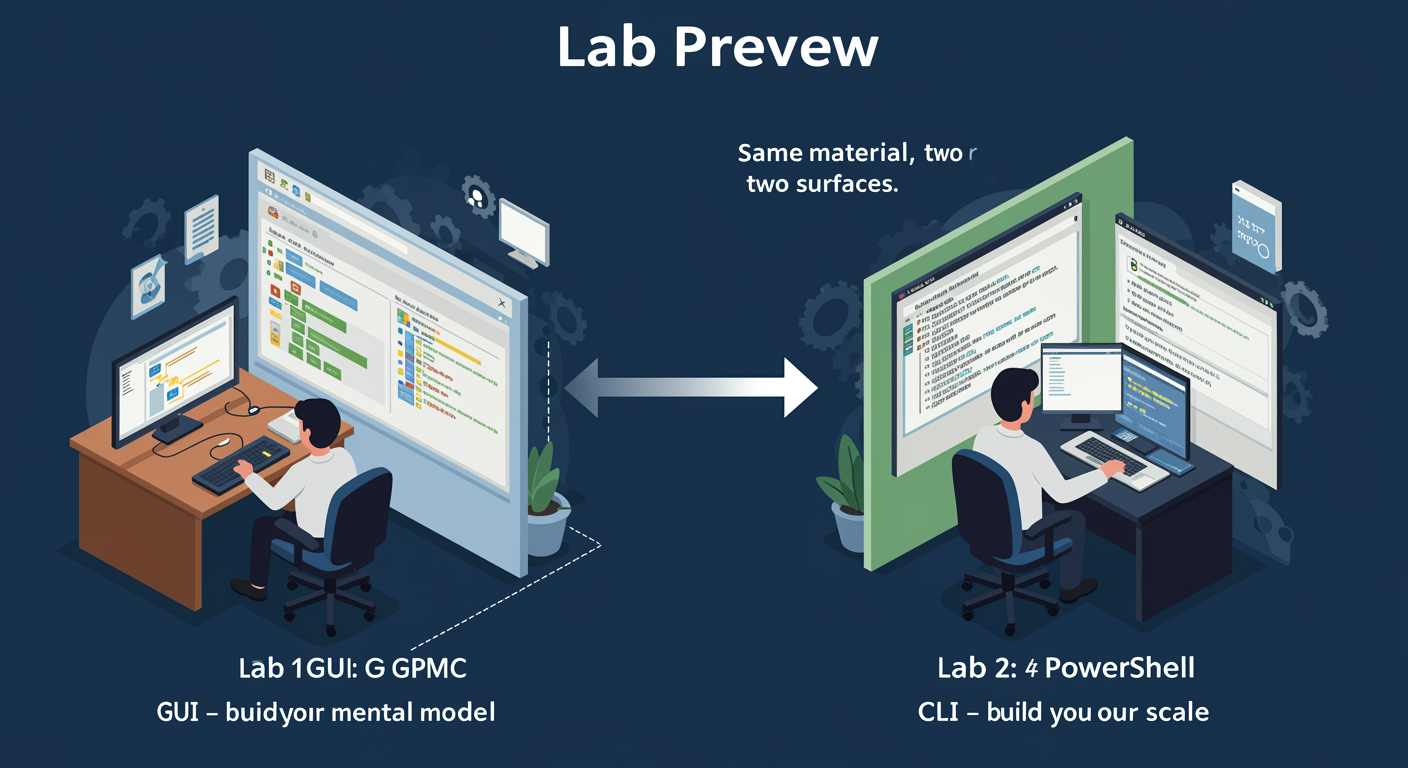
The module ends with two hands-on labs covering the same material from two complementary angles, so you build muscle memory in both surfaces.
Lab 1, GPMC (Graphical). The Group Policy Management Console is what most admins reach for first, OU tree, GPO list, linkage graph, per-setting drill-down all in one view. You will:
- Create a new GPO from scratch in GPMC, navigate the domain tree
- Edit it to configure a specific policy setting (security baseline item)
- Link it to a target OU and verify in "Linked GPOs" tab
- Apply Security Filtering for a specific group (+ MS16-072 Domain Computers read fix)
- Generate an RSoP report via the GPMC wizard
Lab 2, PowerShell. The GroupPolicy module does the same from the command line, what you reach for when you need scripting, automation, or change-management pipelines. You will:
New-GPOto create the object,New-GPLinkto attachSet-GPRegistryValue/Set-GPPrefRegistryValueto configure programmaticallySet-GPPermissionto apply Security FilteringGet-GPResultantSetOfPolicy+Get-GPOReportto inspectBackup-GPO+Restore-GPOfor the change-management cycle
Do both in sequence: GUI first builds the mental model, PowerShell second builds operational scale.