Windows Server Administration
Fundamentals
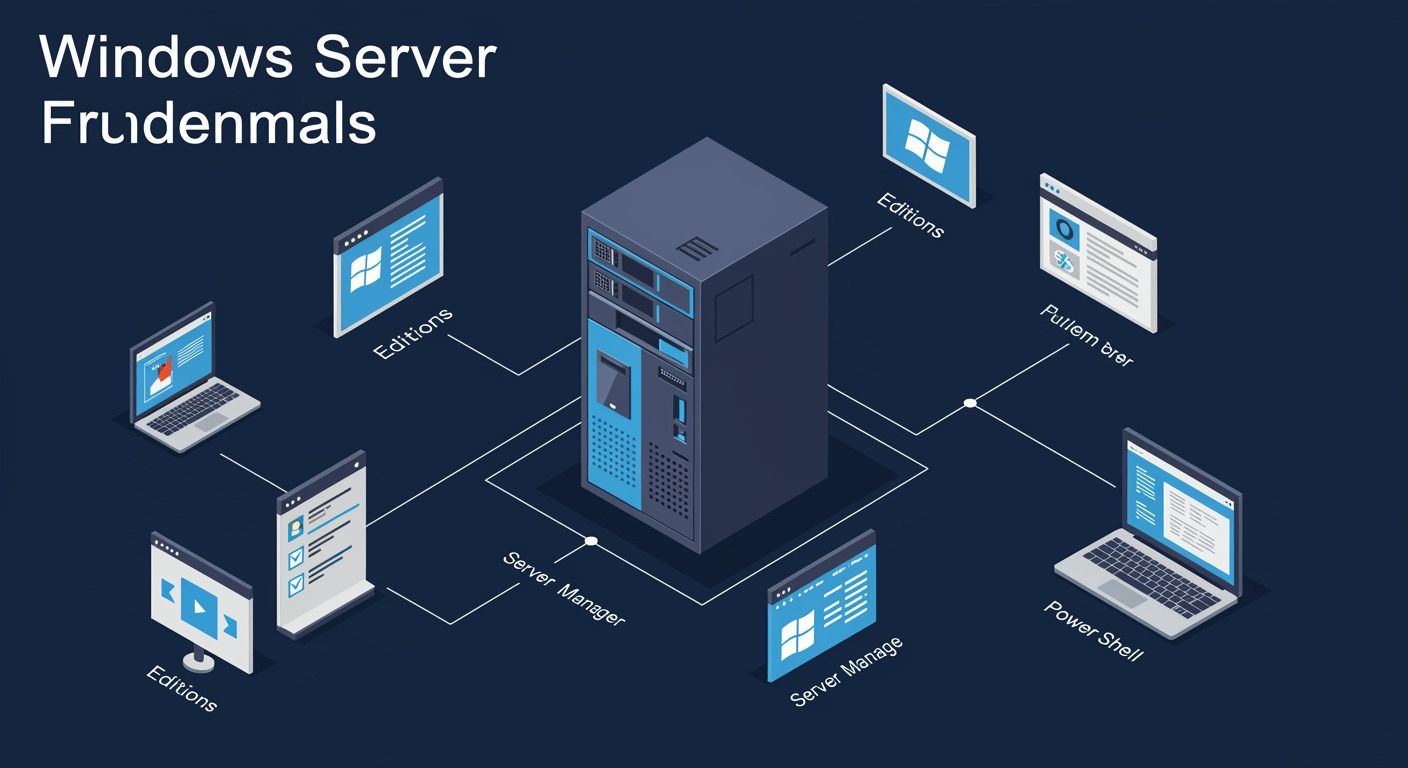
Windows Server Editions
Four flavors. Pick by workload, not feature count.
The licensing question precedes the technical question.
- Standard. Physical or lightly virtualized. Per-core + Client Access Licenses (CALs). 2 VMs included.
- Datacenter. Heavily virtualized datacenters. Per-core + CALs. Unlimited VMs.
- Essentials. Small business, ≤25 users. Per-server, no CALs. Limited features.
- Azure Edition. Azure hybrid. Hotpatch, no reboots, SMB over QUIC, Azure Kubernetes Service (AKS) integration.

Installation Options · Server Core vs Desktop Experience
Pick the surface area before the role.
Smaller install = smaller attack surface = fewer patches.
- Server Core. No GUI. Command-line + PowerShell.
sconfigfor basic config. Default for production. ~6 GB. - Desktop Experience. Full GUI. ~10 GB. Use for learning, RDS hosts, dev environments.
- Server Core App Compat (FoD). A Feature on Demand. Adds back the Microsoft Management Console (MMC), Event Viewer, a slim GUI subset.
- You cannot swap between Core and Desktop after install. Decide up front.
Server Manager + Roles & Features
One console, many servers. Roles vs features matters.
Server Manager is the dashboard. Roles install workloads. Features add capabilities.
- Server Manager. Single console, centralized management. Add multiple servers to one pane via All Servers.
- Role. A purposeful workload: Active Directory Domain Services (AD DS), DHCP, DNS, IIS, RDS. Adds servers to a specific function.
- Feature. Supporting capability (BitLocker, .NET, Failover Clustering, Telnet client). Enables or extends.
- Role services. Sub-components within a role. AD DS for example has multiple role services you can pick.
- PowerShell equivalent.
Get-WindowsFeature,Install-WindowsFeature,Uninstall-WindowsFeature. Scriptable; faster than the wizard.
PowerShell Fundamentals
Verb-noun pattern. Pipe and discover.
Once you know the pattern, PowerShell becomes self-documenting.
- Verb-Noun. Every cmdlet follows
Verb-Noun. Predictable. - Standard verbs. Get, Set, New, Remove, Start, Stop.
Get-Verblists them all. - Discoverability.
Get-Command -Noun Xfinds everything touching X. - Pipeline. Objects, not text. Chain cmdlets together with
|. - Modules. AD, GroupPolicy, Hyper-V, Storage, ServerManager each ship a module.
Active Directory
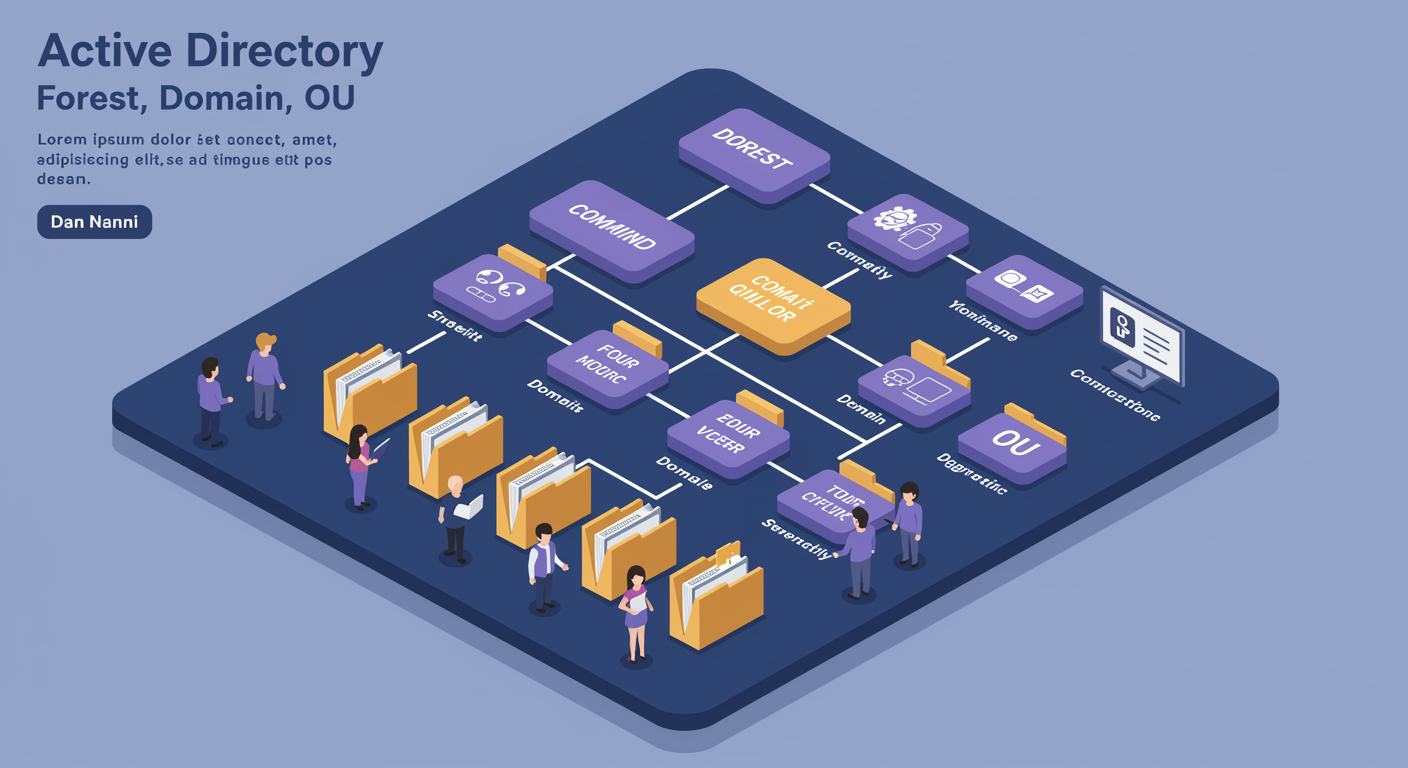
AD Architecture · Forest, Domain, OU
Three nesting levels. Each has a different security boundary.
The hierarchy is also the security and replication boundary.
- Forest. Top of the tree. The security boundary. trust does not cross forests by default. Holds the schema. Usually one per organization.
- Domain. Replication and administrative partition within the forest. Holds users, computers, Group Policy Objects (GPOs). Domain admins are powerful within their domain, not across.
- OU (Organizational Unit). Container inside a domain for delegation and Group Policy application. No security boundary, just management.
- Trees. Domains sharing a contiguous namespace.
corp.hexworth.comandna.corp.hexworth.comare one tree.
Domain Controllers and Replication
Multi-master. Mostly. The FSMO roles are the exception.
Every DC can write, except for the five FSMO roles that require a single owner.
- Domain Controller. Server hosting AD DS. Authenticates users, enforces policy, replicates the directory.
- Multi-master replication. Any DC accepts writes. Changes converge to all DCs within minutes (intra-site).
- FSMO, Flexible Single-Master Operations. Five roles that need a single owner: Schema and Domain Naming (forest); RID (Relative Identifier), PDC Emulator, Infrastructure (per-domain).
- RODC. Read-only DC for branches you don't fully trust. Common in retail / remote offices.
- Global Catalog. Holds a partial replica of every domain in the forest, needed for cross-domain lookups.
Users and Groups · AGDLP
Group nesting strategy that scales across the forest.
Don't grant permissions directly to users. Nest groups to control sprawl.
- User accounts. Each person gets one. Service accounts are separate (use Managed Service Accounts for services).
- Security vs Distribution. Security groups grant access. Distribution groups are email-only (rarely used outside Exchange).
- Group scopes. Domain Local (resource scope), Global (account scope), Universal (cross-domain).
- AGDLP. Accounts → Global groups → Domain Local groups → Permissions. The canonical nesting pattern.
- Why AGDLP matters. Resource owners manage Domain Local groups; identity owners manage Global groups. Roles don't collide.
OUs and Delegation
OUs are for admin model + Group Policy targeting.
Design your OU structure by who manages what, not by org chart.
- OU purpose. Delegated administration + Group Policy targeting.
- Delegation Wizard. Right-click OU → Delegate Control. Grant specific permissions to a group on just that OU.
- OU design. Mirror the admin model. Common pattern: top-level by function (HR, IT, Sales), nested by site or device type.
- Avoid moving objects. Moves trigger Group Policy re-evaluation, can break GPO application briefly.
Storage
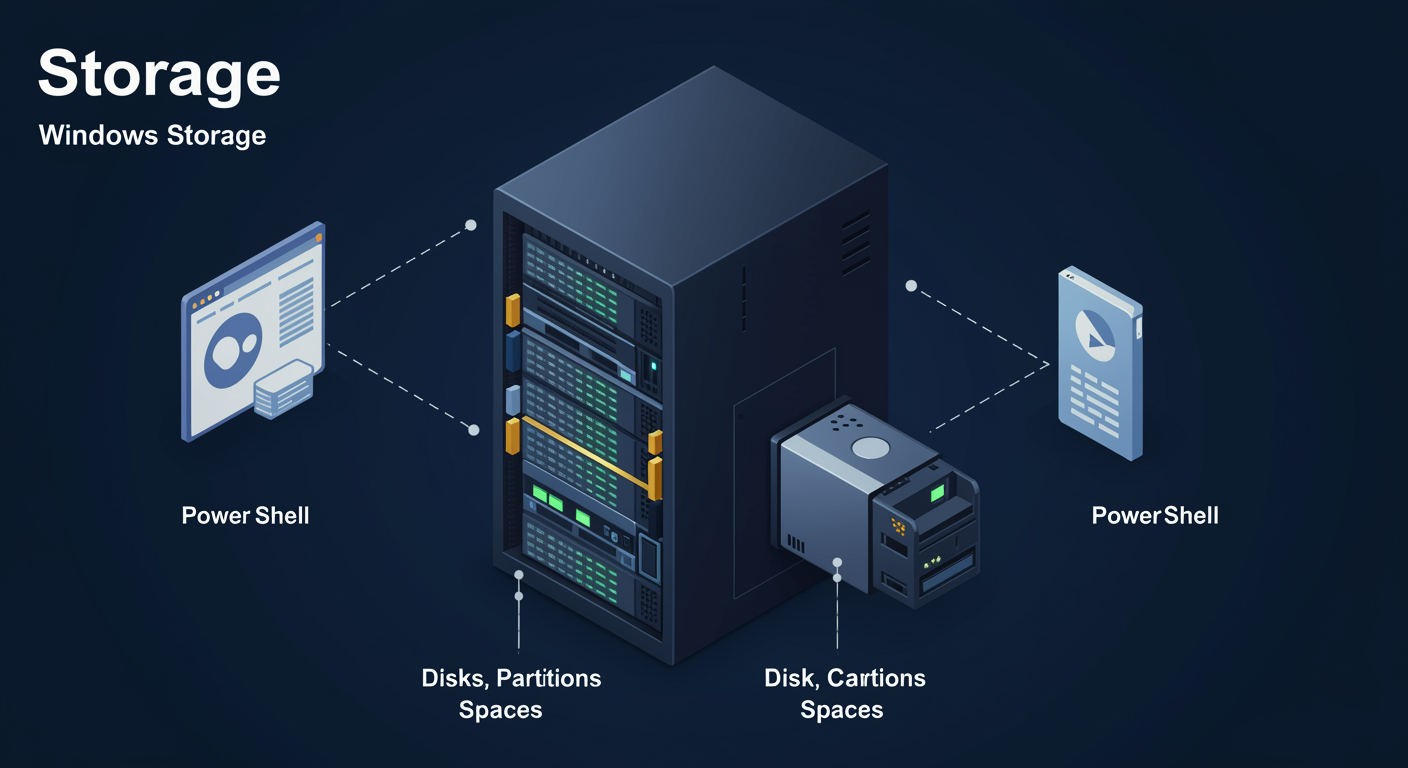
Disk Types · Basic vs Dynamic
Basic is the modern default. Dynamic is legacy.
Spanned/striped volumes belong to Storage Spaces now, not Dynamic Disks.
- Basic disk. The default. Supports primary partitions, extended partitions, and on GPT supports up to 128 partitions. What you almost always use today.
- Dynamic disk. Legacy. Supports spanned, striped, mirrored, RAID-5 volumes natively. Deprecated. do this in Storage Spaces instead.
- Conversion. Basic to Dynamic is one-way (no data loss). Dynamic to Basic requires wiping the disk.
- Recommendation. Stick with Basic + GPT + Storage Spaces for multi-disk scenarios. Don't reach for Dynamic in 2026.
Partition Styles · MBR vs GPT
GPT is the default. MBR is legacy compatibility.
If the firmware is UEFI, use GPT. Period.
- MBR. Master Boot Record. Max 2 TB, max 4 primary partitions. BIOS-era.
- GPT. GUID Partition Table. Max 18 EB, max 128 partitions. UEFI-required for boot.
- Boot requirement. UEFI → GPT. Legacy BIOS → MBR. Mismatched = "cannot boot."
- Conversion.
MBR2GPT.execonverts without data loss. One-way.
MBR2GPT.exe from an elevated prompt converts without data loss.Storage Spaces
Software-defined storage. Pool + virtual disk + volume.
Aggregate physical disks into a pool. Carve virtual disks with the resiliency you choose.
- Storage Pool. A collection of physical disks. Treat as a single resource.
- Virtual Disk. Carved from the pool. Pick resiliency: Simple, Mirror (2 or 3-way), Parity.
- Volume. Filesystem on the virtual disk, NTFS or ReFS (Resilient File System).
- Tiering. Mix SSD + HDD in the same pool. Hot on SSD, cold on HDD, automatic moves.
- S2D (Storage Spaces Direct). The cluster version. Module 06 territory.
Disk and Volume cmdlets
PowerShell beats Disk Management for repeatability.
Wire one disk in PowerShell once, script it for the next hundred.
- Inventory.
Get-Disk,Get-Partition,Get-Volume. - Initialize.
Set-Disk -IsOffline $false, thenInitialize-Disk -PartitionStyle GPT. - Format.
New-Partitionpiped toFormat-Volume. - Storage Spaces.
New-StoragePool,New-VirtualDisk,New-Volume. - GUI to learn, PS to ship. Same outcomes, scriptable.
Hyper-V
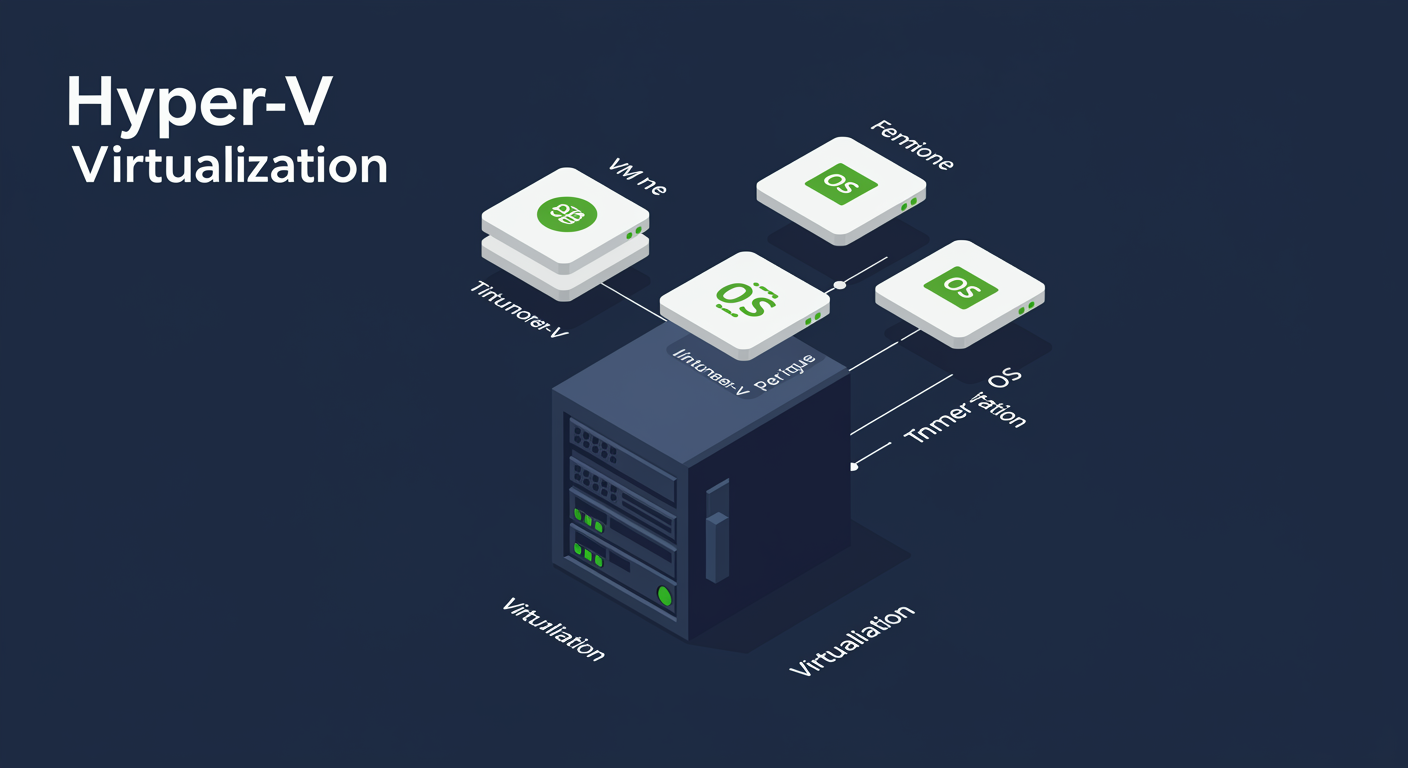
Hypervisor Types · Type 1 vs Type 2
Bare-metal vs hosted. Hyper-V is Type 1.
Even when Hyper-V looks like it's "running on Windows," Windows is actually a VM on the hypervisor.
- Type 1. Bare-metal. Hypervisor sits directly on hardware. Hyper-V, VMware ESXi, Xen. Better performance.
- Type 2. Hosted. Hypervisor runs as an app on top of a host OS. VirtualBox, VMware Workstation. Easier to set up, lower performance.
- Hyper-V's trick. When you enable Hyper-V on Windows Server, Windows becomes a privileged VM (the "parent partition"). The OS you see is actually running on top of Hyper-V.
- Hardware requirements. CPU virtualization extensions (Intel VT-x or AMD-V). SLAT (Second-Level Address Translation). Available on every server-class CPU for years.
VM Generations · Gen 1 vs Gen 2
Gen 2 is the default. Gen 1 is legacy compat.
Gen 2 = UEFI + Secure Boot + modern device stack. Use Gen 2 unless you have a reason.
- Gen 1. Legacy BIOS, IDE, emulated devices. Compatible with 32-bit + older Linux.
- Gen 2. UEFI, Secure Boot, SCSI-only, synthetic. Faster boot, GPT only.
- Picking. Modern Win/Linux → Gen 2. 2008/older or 32-bit → Gen 1.
- Cannot convert. Generation is fixed at VM creation.
- Secure Boot. Gen 2 on by default. Linux templates need "Microsoft UEFI CA" or disabled.
Virtual Switches
Three types. Each maps to a different network goal.
Pick the switch type by who needs to reach whom.
- External. Bound to a physical NIC. VMs talk to the outside world (and to the host). Most common.
- Internal. Host + VMs can reach each other. No physical NIC. Useful for test labs, isolated workloads.
- Private. VMs reach each other only. Host is excluded. Useful for malware analysis, sealed environments.
- One NIC + External + Mgmt. When you bind External to your only NIC, you usually keep the management OS connected via a virtual adapter that uses the same switch.
Checkpoints + PowerShell VM Management
Checkpoints are point-in-time snapshots. Not backups.
Two checkpoint types. One is for prod, one is not.
- Production checkpoint. Uses VSS (Volume Shadow Copy Service) inside the guest. Consistent application state. Safe for prod. Default in Server 2016+.
- Standard checkpoint. Memory + disk at the instant taken. Like saved state. Good for dev/test. Bad for prod (apps mid-write).
- NOT a backup. Checkpoints live with the VM. VHD corruption kills them too. Take a real backup separately.
- PowerShell lifecycle.
New-VM,Checkpoint-VM,Restore-VMCheckpoint,Remove-VMCheckpoint.
Checkpoint-VM -Name 'WS01': VSS captures consistent state.
Operator makes a breaking change in the guest. App misbehaves.
Restore-VMCheckpoint -Name 'WS01': VM reverts to checkpoint.
VM is back to the consistent state at checkpoint time. Damage undone.
Containers
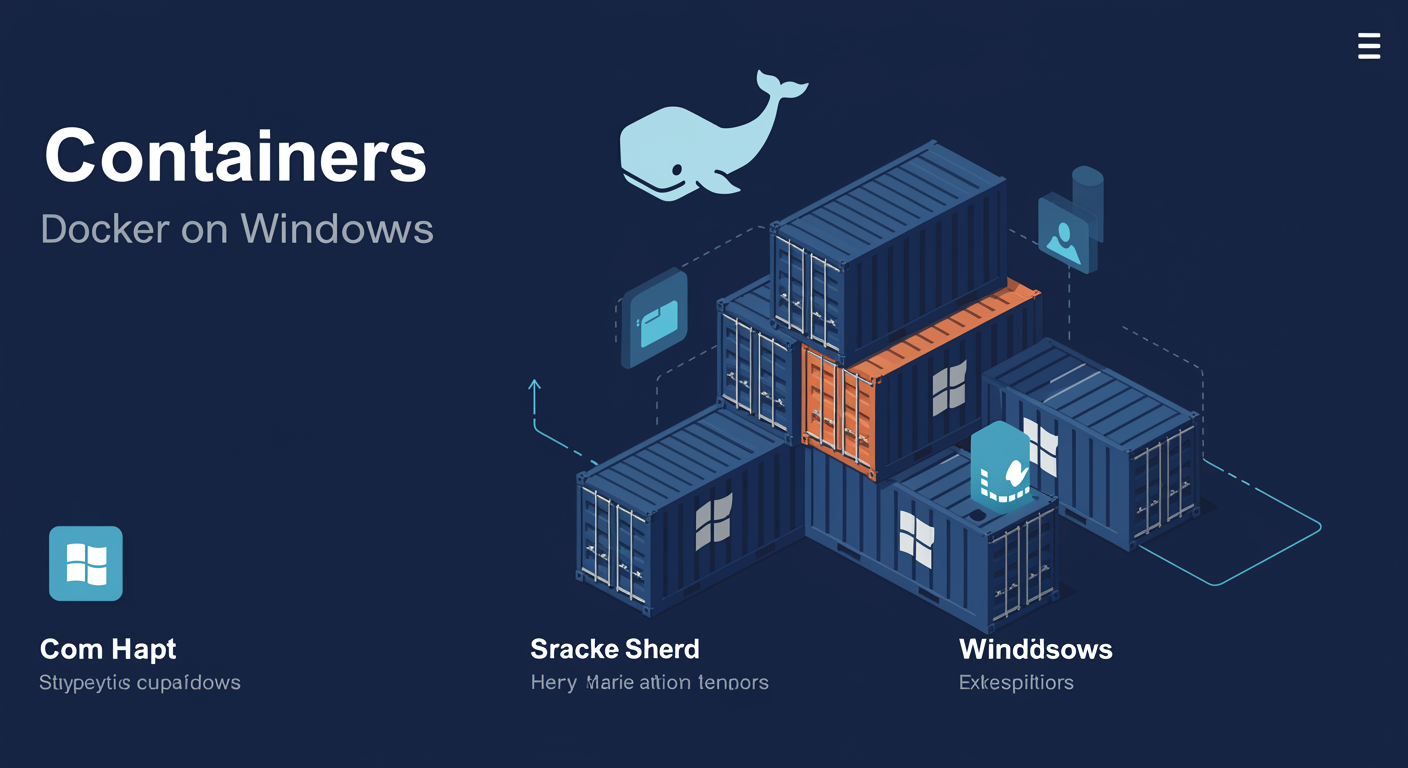
Containers vs VMs
Both isolate workloads. They isolate at different levels.
VMs virtualize the hardware. Containers virtualize the OS.
- VM. Full guest OS, own kernel, own boot. Heavy. Strong isolation. Boot time in seconds to minutes.
- Container. Shares the host kernel. Bundles just the application + its dependencies. Light. Boot time in milliseconds.
- When to VM. Different OS family, strong tenant isolation, full-stack workload (DB + app + cache).
- When to container. Same OS family as host, microservice, ephemeral compute, dev/test sandboxing.
- Density. 5-10 VMs per host vs 50-100 containers per host on the same hardware is realistic.
Windows Container Isolation Modes
Process isolation vs Hyper-V isolation. Same container, different isolation.
Same Docker image, but the runtime chooses between two isolation models.
- Process isolation. Container shares the host kernel directly. Lightest. Requires container OS version = host OS version (e.g., Server 2022 host, Server 2022 container image).
- Hyper-V isolation. Each container runs in a tiny utility VM with its own kernel. Heavier (~50-100 MB), but cross-version compatible (Server 2019 image on Server 2022 host works).
- Picking.
docker run --isolation=processor--isolation=hyperv. Default depends on host. - Security delta. Hyper-V isolation gives stronger tenant boundary, closer to VM-level. Use for hostile-multi-tenant workloads.
VM vs Docker: the security picture
Why the isolation model decides the tenant boundary.
The security ladder in motion: process isolation shares the host kernel; Hyper-V isolation adds a per-container kernel boundary (closer to VM-level); a full VM adds a complete guest OS boundary.
Docker Essentials
Six commands cover 90% of daily container work.
Learn six commands. The rest is variations.
docker pull. download an image from a registry.docker run -it. create + start + attach.docker ps -a. list all containers (running and stopped).docker exec -it. run a command inside a running container.docker stop / start. lifecycle control.docker rm / rmi. delete containers / images.
C:\> exit
abc123def456 nanoserver Exited (0) 3s ago
Nano Server + Dockerfile basics
Nano = the OS image for containers. Dockerfile = how you bake custom images.
Nano Server is no longer a standalone install. It's a container base image.
- Nano Server. Ultra-stripped Windows. ~250 MB. No GUI, no MSI. Container-only.
- Base images.
nanoserver(smallest),servercore(Server APIs),server(full Windows). - Dockerfile. Recipe for an image.
FROM,COPY,RUN,CMD.docker buildbakes it. - Layer caching. Each line = a cached layer. Reorder so stable deps come first, app code last. Rebuilds get fast.
windows/nanoserver:ltsc2022 WORKDIR C:\app COPY app.ps1 . CMD ["pwsh", "-File", "app.ps1"]
Failover Clustering
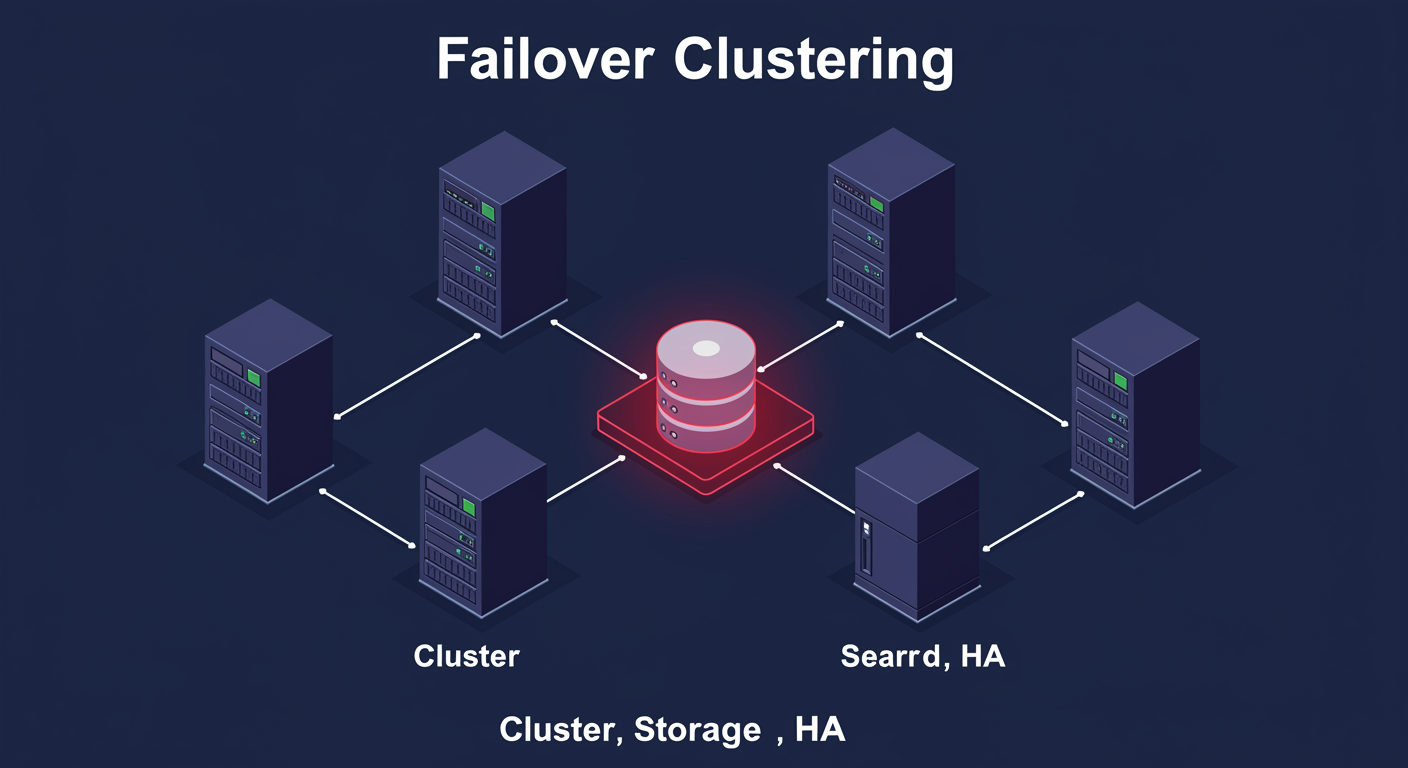
What is Failover Clustering?
Multiple servers pretending to be one. With shared storage and a heartbeat.
High availability means a workload survives a single node dying.
- Node. A server in the cluster. Each runs Windows Server with Failover Clustering installed. Usually 2-8 nodes.
- Shared storage. Storage all nodes can see (SAN LUN, Scale-Out File Server share, Storage Spaces Direct).
- Heartbeat. Cluster-internal network. Nodes ping each other. Missed heartbeats → failover.
- Clustered role. The workload that fails over, file server, Hyper-V VM, SQL, generic application.
- Failover. When a node dies, another node takes ownership of the shared storage + role. Clients reconnect to the new owner.
Quorum and Witness
The vote-based system that prevents split-brain.
If half the nodes can't see the other half, who's still alive? Quorum answers that.
- Quorum. Majority vote. Lose quorum, cluster shuts down (better than split-brain).
- Node votes. One vote per node. Odd count = no tie.
- Witness. Extra vote for even-count clusters. Disk, File Share, Cloud (Azure blob).
- Dynamic Quorum. Cluster adjusts votes as nodes go offline.
- 2-node case. 2 nodes + 1 witness = 3 votes. Lose 1 node, 2/3 survives.
Choose which witness type the cluster will use to break ties.
Cluster Shared Volumes (CSV)
All nodes can read and write the same volume at the same time.
CSV is what makes shared-nothing Hyper-V clustering possible.
- Normal cluster disk. Owned by one node. Failover hands it to another node when needed.
- CSV. NTFS or ReFS volume where ALL nodes have simultaneous read/write. Built on top of regular cluster storage with a coordination layer.
- Why it matters for Hyper-V. Multiple VMs on the same volume can run on different nodes simultaneously. Live Migration without ownership handoff.
- CSV path. Volumes appear as
C:\ClusterStorage\Volume1,...\Volume2on every node. - Where it stores data. Same shared storage as the cluster, SAN LUN, S2D, etc. CSV is a presentation layer, not a storage system.
Cluster-Aware Updating (CAU)
Patch the cluster without downtime. One node at a time.
CAU automates the rolling-patch dance so you don't have to.
- Problem. Patch all nodes at once = workload dies. Manually = forget to drain.
- CAU's choreography. Drain → install → reboot → resume → next node. Loop.
- Two modes. Self-Updating (on schedule) or Remote Updating (you run wizard).
- Pre/Post scripts. Custom validation between phases.
- Patch source. Reads from WSUS (Windows Server Update Services) / Microsoft Update / SCCM (System Center Configuration Manager). Doesn't replace them.
The following updates will be applied to each node in turn. Workload moves to other nodes during each patch.
Week 1 Wrap-Up · Week 2 Preview
What we covered. What's coming.
- M01. Editions, install options, Server Manager, PowerShell basics
- M02. AD architecture, DCs, users/groups, OUs and delegation
- M03. Disk types, partition styles, Storage Spaces, cmdlets
- M04. Hyper-V types, generations, switches, checkpoints, PowerShell
- M05. Containers vs VMs, isolation, Docker, Nano + Dockerfile
- M06. Clustering basics, quorum, CSV, CAU
- M07. Monitoring, performance counters, Event Viewer, WAC
- M08. DNS, zones, records, resolution, DNSSEC
- M09. DHCP, scopes, reservations, failover, DORA
- M10. Group Policy, LSDOU, GPC/GPT, troubleshooting